
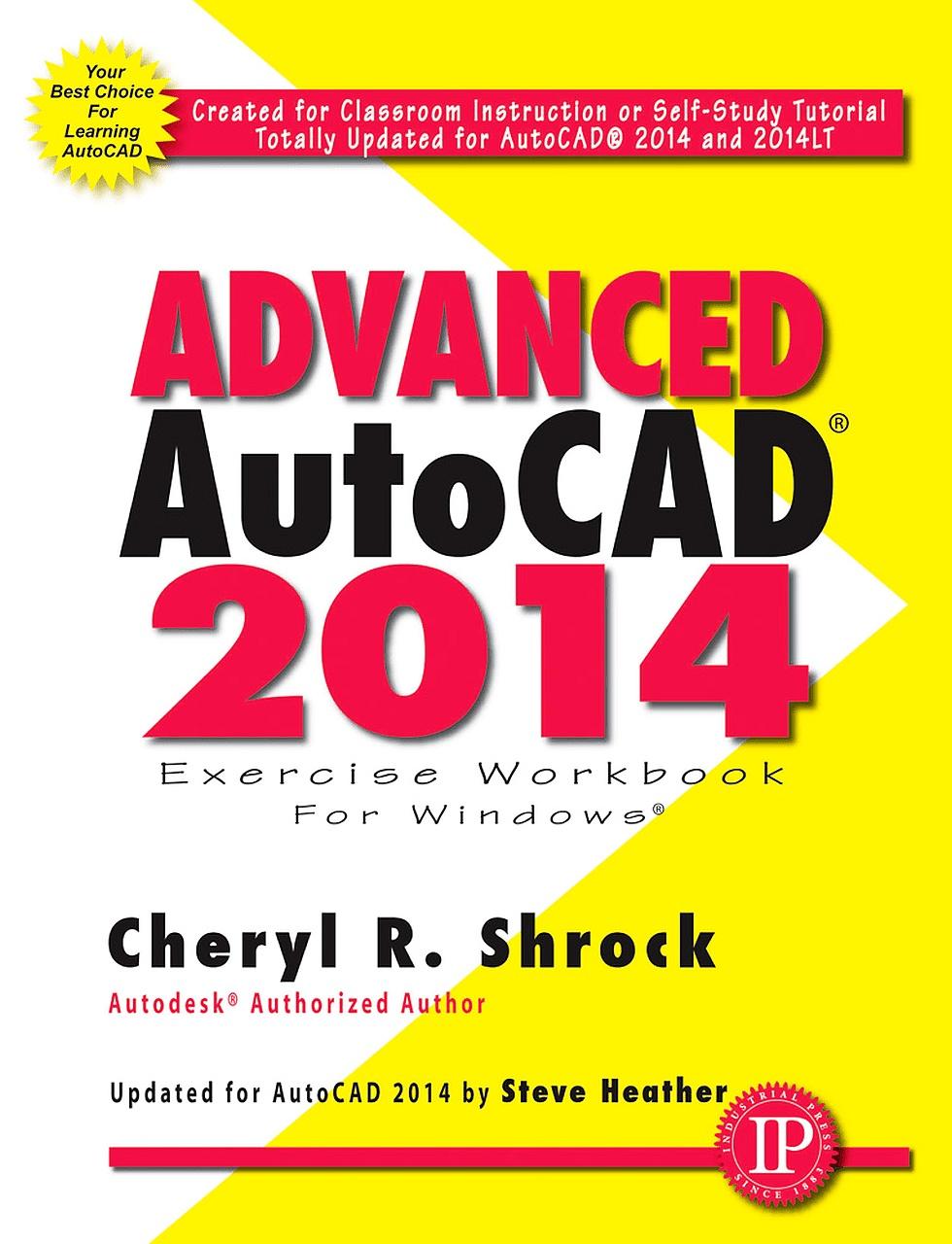
This is the right book for users if they liked the author’s “Beginning AutoCAD” workbook, or they’re looking for a clear, no nonsense, easy-to-follow text, or they want to learn more about AutoCAD such as Xref, Attributes, and 3D solids. Totally updated for AutoCAD 2014 and 2014 LT, it offers several new features as well as improved Command Line Options including, AutoComplete, and faster searching for help; Faster Start-up times; Enhanced Model and Layout tab previews. All exercises print easily on a standard 8 ½” x 11” printer. For use with the PC version of AutoCAD 2014 only.
NEW FEATURES
- Autodesk 360 Cloud
- Geographic Location – Set a Geographic Marker of your position, a landmark, or even a building at the exact location it is in the world using real-world coordinates. Place position markers at locations you specify and label them.
- Design Feed Palette, where you can enter text messages and collaborate with other Online Users, and associate your message with a location on the drawing;
- Multiple File Tabs Control
- Command Line Options including: AutoCorrect - Synonym Suggestions List and Adaptive Suggestions List – Search Online for Help - Easily insert Blocks, Hatch Patterns and Layers.
- Three new Appendices—adding a printer/plotter to the system, AutoDesk 360 connectivity, and new Command Line features and enhancements.
Paga fácilmente con tarjeta, Klarna, Apple Pay o Google Pay. ¿No estás contento? Siempre tienes 14 días de garantía de devolución. Lee más en nuestros términos. Si tienes preguntas, escríbenos a hello@memmo.org.
Memmo hace que estudiar sea más fácil, estés donde estés. Aquí tienes tus libros de texto y herramientas de estudio inteligentes en un solo lugar: resúmenes, quizzes, podcasts y flashcards. Y también a Ted, tu compañero de estudio que responde a todo lo que te preguntes. Más de 50 000 estudiantes ya estudian aquí. Está hecho para que aprendas más rápido y te estreses menos.