
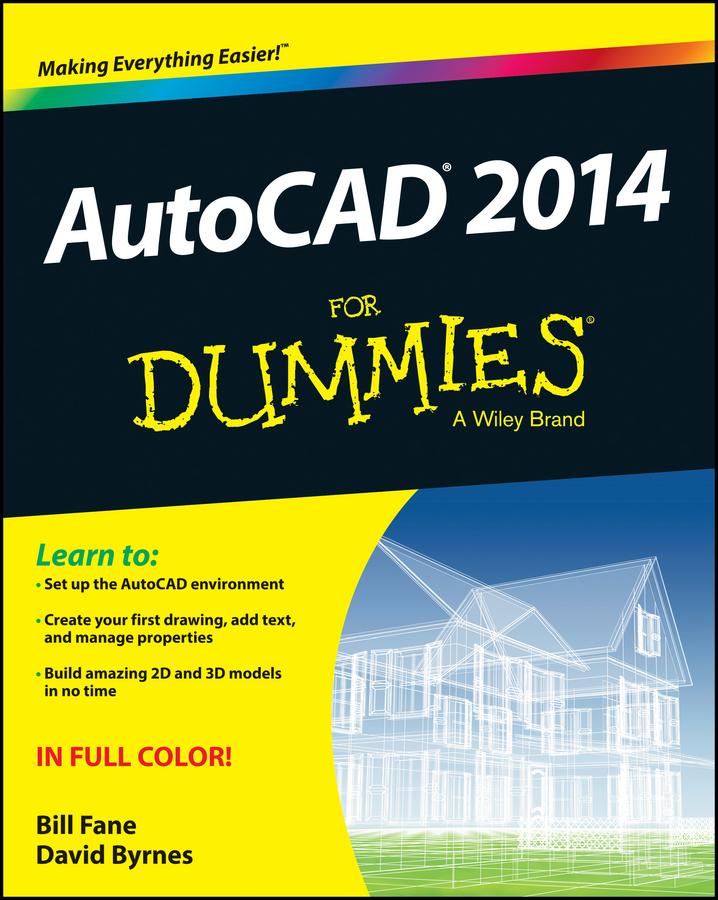
Find your way around AutoCAD 2014 with this full-color, For Dummies guide!
Put away that pencil and paper and start putting the power of AutoCAD 2014 to work in your CAD projects and designs. From setting up your drawing environment to using text, dimensions, hatching, and more, this guide walks you through AutoCAD basics and provides you with a solid understanding of the latest CAD tools and techniques. You’ll also benefit from the full-color illustrations that mirror exactly what you’ll see on your AutoCAD 2014 screen and highlight the importance of AutoCAD’s Model view, which shows different line weights for printing in different colors.
- Covers the latest AutoCAD features and techniques, including creating a basic layout, navigating the AutoCAD 2014 interface, drawing and editing, working with dimensions, plotting, adding text, using blocks, and more
- Shows you how to make the best use of color in your AutoCAD designs, take advantage of the AutoCAD DesignCenter, and showcase your work to potential clients and customers
- Includes practical advice and guidance on real-world methods and tips used by architects, engineers, and other CAD professionals to create compelling 3D models and detailed technical drawings
You’ll quickly get up to speed on all AutoCAD has to offer with AutoCAD 2014 For Dummies in your toolbox.
Zahle einfach mit Karte, Klarna, Apple Pay oder Google Pay. Nicht zufrieden? Du hast immer ein 14-tägiges Widerrufsrecht. Lies mehr in unseren AGB. Hast du Fragen, schreib uns eine E-Mail an hello@memmo.org.
Memmo macht das Lernen einfacher – wo auch immer du bist. Bei uns findest du deine Kursbücher und smarte Lerntools an einem Ort: Zusammenfassungen, Quizzes, Podcasts und Lernkarten. Und Ted, dein Lernbuddy, beantwortet alles, was du wissen möchtest. Über 50.000 Studierende lernen bereits hier – gemacht, damit du schneller lernst und weniger Stress hast.