
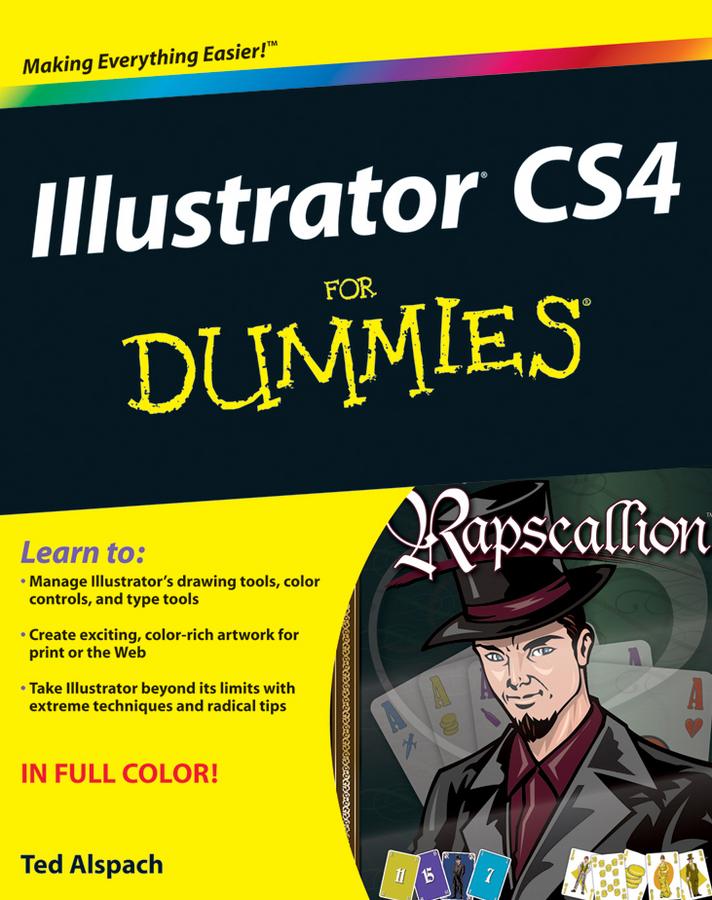
This full-color guide gives you the scoop on the newest tools, tips on color control and path editing, ways to organize graphics, and how to get your work into print or on the Web. You’ve heard Illustrator is a bit complicated? That’s why you need this friendly For Dummies book! It shows you how to:
- Manage Illustrator CS4’s many tools, commands, and palettes
- Decide when to choose RGB over CMYK and how to get perfect color when printing
- Compare path and pixel documents, adjust points on a path, and learn to use the versatile Pen and Pencil tools
- Use the Character and Paragraph palettes and get creative with type on a path
- Work in pixel preview mode, create Web-specific vector graphics, and use Flash with Illustrator
- Set up your pages for printing and work with separations, or save files in Web-friendly formats
- Create basic shapes, straight lines, and precise curves, then bring it all together into eye-popping artwork
- Organize with the Layers palette, tweak color, and make the most of styles and effects
- Use Illustrator together with other elements of the Adobe Creative Suite
With plain-English instructions and colorful examples of what you can achieve, Illustrator CS4 For Dummies will make you an Illustrator pro in no time.
Płać wygodnie kartą, Klarną, Apple Pay lub Google Pay. Nie jesteś zadowolony? Zawsze masz 14-dniową gwarancję zwrotu pieniędzy. Więcej przeczytasz w naszych warunkach. Masz pytania? Napisz do nas na hello@memmo.org.
Memmo ułatwia naukę – gdziekolwiek jesteś na świecie. U nas znajdziesz podręczniki i sprytne narzędzia do nauki w jednym miejscu: streszczenia, quizy, podcasty i fiszki. A do tego Ted, Twój kumpel do nauki, który odpowie na wszystko, co Cię nurtuje. Ponad 50 000 studentów już tu się uczy – stworzone, byś uczył się szybciej i mniej stresował.