
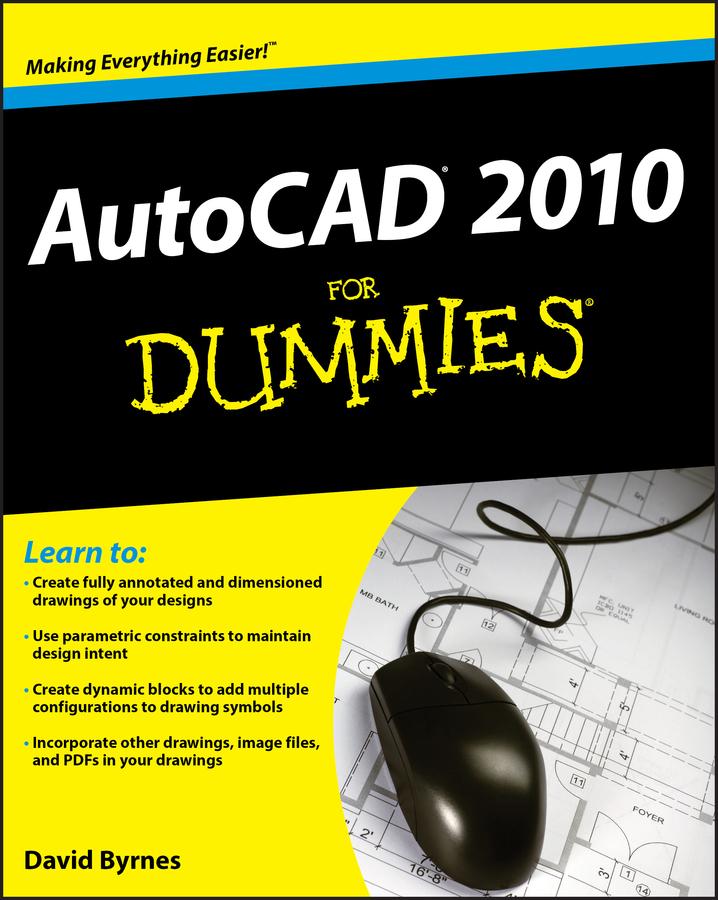
AutoCAD 2010 for Dummies helps you navigate the program, use the AutoCAD Design Center, create a basic layout and work with dimension, and put your drawings on the Internet. You’ll soon be setting up the AutoCAD environment, using the AutoCAD Ribbon, creating annotation and dimension drawings, exploring 3D models, and cruising comfortably through AutoCAD 2010.
- Understand object selection and learn all about commanding and selecting, one-by-one selection, and perfecting selecting
- Use the AutoCAD tool kit and learn to copy between drawings, manipulate images, and polish your properties
- Turn on your annotative objects and say more in multiline text
- Understand the anatomy of a dimension, then draw and edit your own
- Get up to speed on how to create block definitions, insert blocks, and more
- Discover techniques for setting up a layout in paper space
- Push the boundary of hatch and define hatch objects
- Learn to design in Web format and draw on the Internet
With AutoCAD, the only limits are your imagination. AutoCAD 2010 for Dummies prepares you to use this powerful software to design and document your ideas in 2D and 3D.
Płać wygodnie kartą, Klarną, Apple Pay lub Google Pay. Nie jesteś zadowolony? Zawsze masz 14-dniową gwarancję zwrotu pieniędzy. Więcej przeczytasz w naszych warunkach. Masz pytania? Napisz do nas na hello@memmo.org.
Memmo ułatwia naukę – gdziekolwiek jesteś na świecie. U nas znajdziesz podręczniki i sprytne narzędzia do nauki w jednym miejscu: streszczenia, quizy, podcasty i fiszki. A do tego Ted, Twój kumpel do nauki, który odpowie na wszystko, co Cię nurtuje. Ponad 50 000 studentów już tu się uczy – stworzone, byś uczył się szybciej i mniej stresował.