
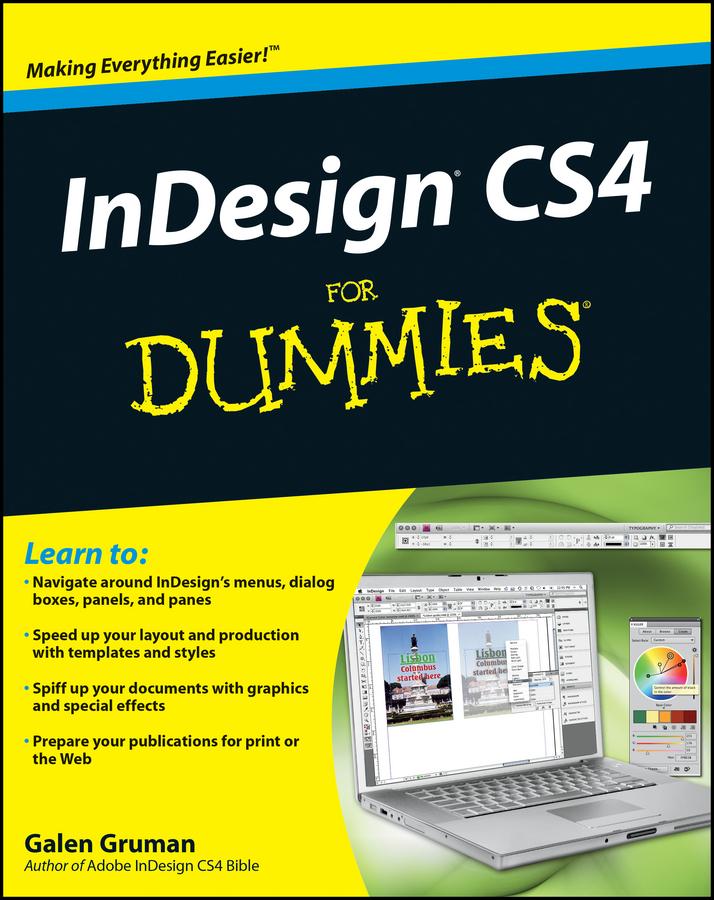
Whether you’re an experienced designer or just want to create a cool newsletter for the school soccer team, you’ll benefit from Galen Gruman’s guidance. This desktop publishing expert shows you how to navigate InDesign menus, dialog boxes, panels, and panes; streamline your work with templates; prepare your creations for printing or online publication, and more.
- Explore the new tools, work with the application frame, and set preferences for the way you work
- Learn to open and save documents and export content
- Get familiar with the Pages panel, apply Master Pages, and work with Layers
- Make the most of color with color libraries, multi-ink colors, spot versus process color, and gradients
- Create layout guidelines and use color swatches for consistency
- Streamline text formatting by using styles and treat text as a graphic element
- Design for the Web with hyperlinks, multimedia elements, and Flash files
- See how InDesign CS4 works seamlessly with other applications in the Adobe Creative Suite
- Discover why good design is part science and part art and learn to manipulate, organize, and align design objects
- Take advantage of tips for cropping and positioning graphics
- Prepare for printing or other output with enhanced preflighting tools
InDesign CS4 For Dummies also offers great advice for designing pages that do their job perfectly. Start creating today!
Płać wygodnie kartą, Klarną, Apple Pay lub Google Pay. Nie jesteś zadowolony? Zawsze masz 14-dniową gwarancję zwrotu pieniędzy. Więcej przeczytasz w naszych warunkach. Masz pytania? Napisz do nas na hello@memmo.org.
Memmo ułatwia naukę – gdziekolwiek jesteś na świecie. U nas znajdziesz podręczniki i sprytne narzędzia do nauki w jednym miejscu: streszczenia, quizy, podcasty i fiszki. A do tego Ted, Twój kumpel do nauki, który odpowie na wszystko, co Cię nurtuje. Ponad 50 000 studentów już tu się uczy – stworzone, byś uczył się szybciej i mniej stresował.