
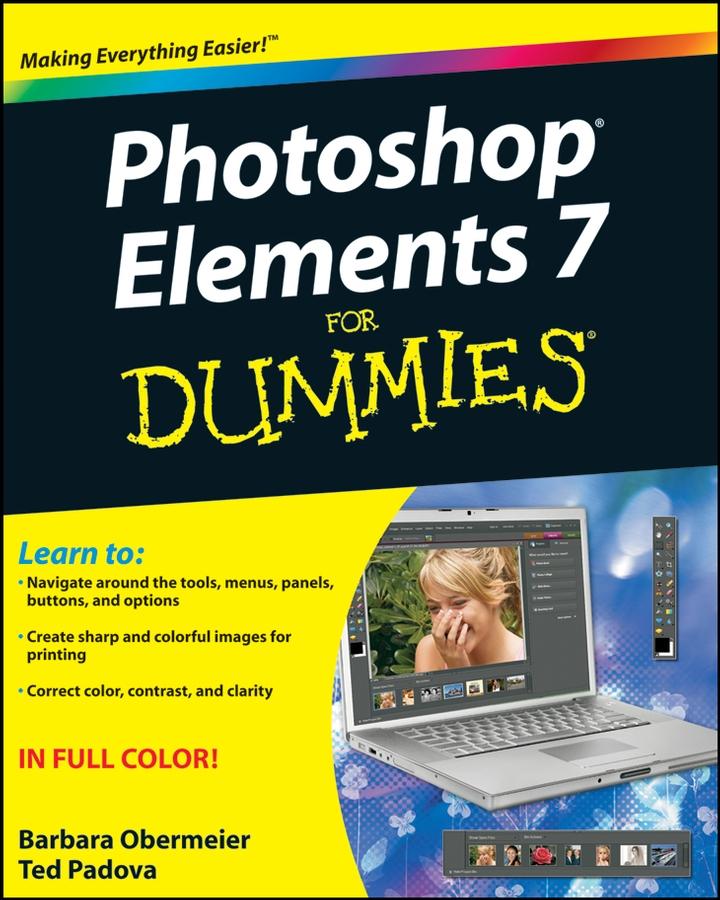
You’ll find out how to transform your ordinary photos into visually stunning creations. This book gives you the tools to enhance your images, fix flaws, share pictures online, correct small problems with Quick Fix, keep track of images with the Project Bin, take charge with Shortcuts, present your photos as a slideshow, use Web hosting, animate images, and create movie files. You’ll also learn to:
- Use the Organizer to move around efficiently in Elements
- Correct color, brightness, contrast, and exposure
- Use Adobe’s free Photoshop.com service
- Streamline your work using shortcuts
- Work with bitmap, grayscale, and indexed color modes
- Create albums and import images
- Follow creative applications for filters and effects
- Prepare images for printing
- Turn your photos into postcards, calendars, greeting cards, and photo albums
- Straighten crooked lines, crop for effect, or fix color, sharpness, red-eye, and contrast
Photoshop Elements 7 For Dummies shows you how to use all the Elements of great image editing, management, and photo fun. Whether you’re concerned about color profile embedding or just want to put your kid’s photo on a calendar, you’ll learn how with this book!
Płać wygodnie kartą, Klarną, Apple Pay lub Google Pay. Nie jesteś zadowolony? Zawsze masz 14-dniową gwarancję zwrotu pieniędzy. Więcej przeczytasz w naszych warunkach. Masz pytania? Napisz do nas na hello@memmo.org.
Memmo ułatwia naukę – gdziekolwiek jesteś na świecie. U nas znajdziesz podręczniki i sprytne narzędzia do nauki w jednym miejscu: streszczenia, quizy, podcasty i fiszki. A do tego Ted, Twój kumpel do nauki, który odpowie na wszystko, co Cię nurtuje. Ponad 50 000 studentów już tu się uczy – stworzone, byś uczył się szybciej i mniej stresował.