
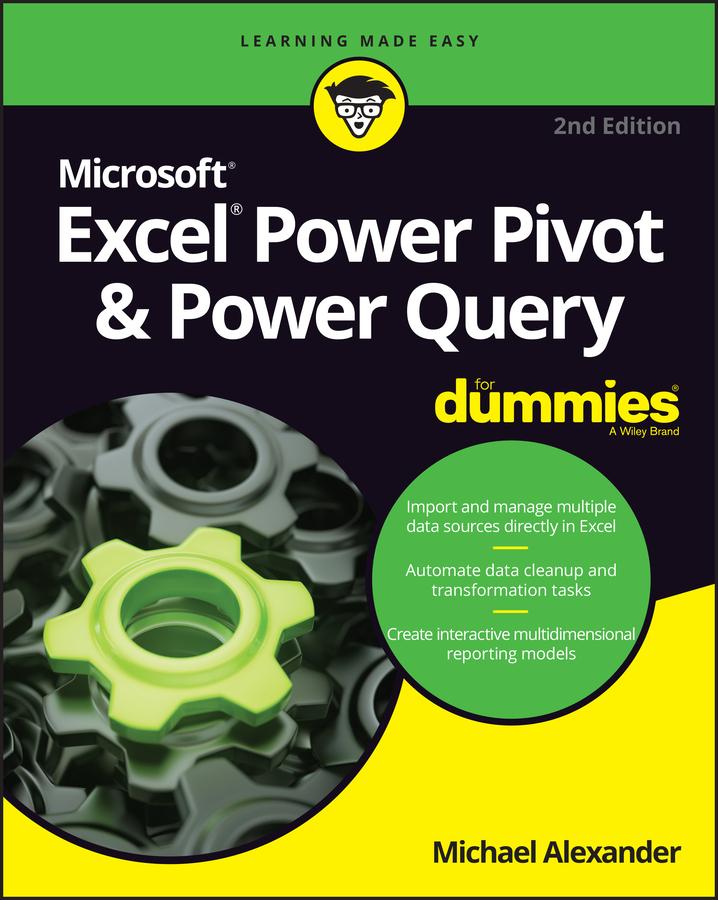
Learn to crunch huge amounts of data with PowerPivot and Power Query
Do you have a ton of data you need to make sense of? Microsoft’s Excel program can handle amazingly large data sets, but you’ll need to get familiar with PowerPivot and Power Query to get started.
And that’s where Dummies comes in. With step-by-step instructions—accompanied by ample screenshots—Excel PowerPivot & Power Query For Dummies will teach you how to save time, simplify your processes, and enhance your data analysis and reporting. Use Power Query to discover, connect to, and import your organization’s data. Then use PowerPivot to model it in Excel. You’ll also learn to:
- Make use of databases to store large amounts of data
- Use custom functions to extend and enhance Power Query
- Add the functionality of formulas to PowerPivot and publish data to SharePoint
If you’re expected to wrangle, interpret, and report on large amounts of data, Excel PowerPivot & Power Query For Dummies gives you the tools you need to get up to speed quickly.
Paga facilmente con carta, Klarna, Apple Pay o Google Pay. Non sei soddisfatto? Hai sempre 14 giorni per il rimborso. Leggi di più nei nostri termini. Per qualsiasi domanda, scrivici a hello@memmo.org.
Memmo rende lo studio più facile, ovunque tu sia nel mondo. Qui trovi i tuoi libri di testo e strumenti di studio intelligenti, tutto in un unico posto: riassunti, quiz, podcast e flashcard. E poi c'è Ted, il tuo compagno di studio che risponde a ogni tua domanda. Oltre 50.000 studenti studiano già qui: è stato creato per aiutarti a imparare più velocemente e a stressarti meno.