
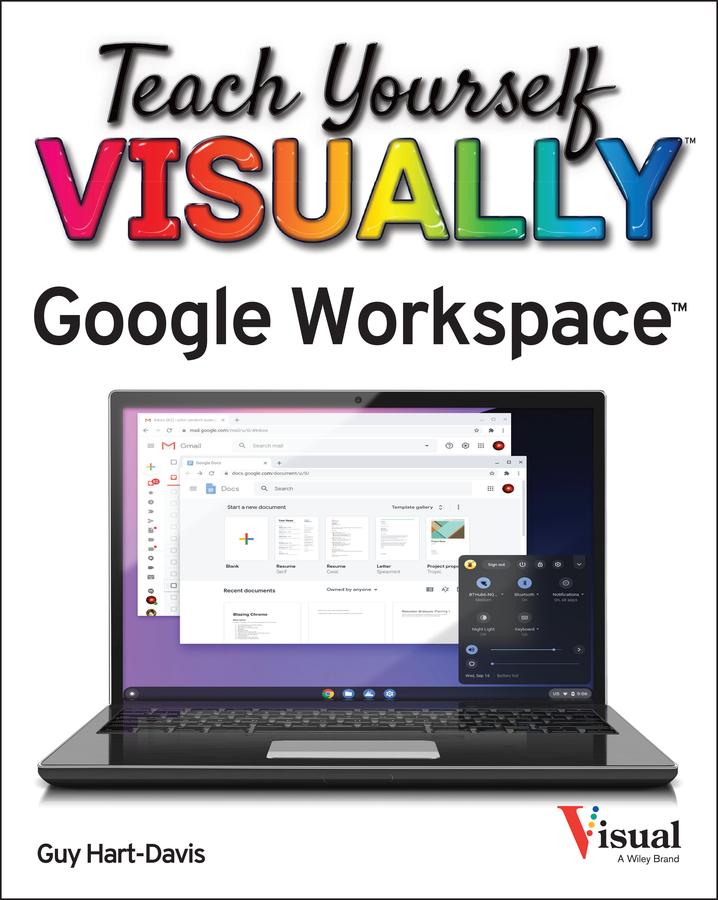
Master the ins and outs of Google's free-to-use office and productivity software
Teach Yourself VISUALLY Google Workspace delivers the ultimate guide to getting the most out of Google's Workspace cloud software. Accomplished author Guy Hart-Davis offers readers the ability to tackle a huge number of everyday productivity problems with Google's intuitive collection of online tools. With over 700 full-color screenshots included to help you learn, you'll discover how to:
- Manage your online Google Calendar
- Master the files and folders in your Google Drive storage
- Customize your folders and navigate your Gmail account
- Create perfect spreadsheets, presentations, and documents in Google Sheets, Slides, and Docs
Perfect for anyone who hopes to make sense of Google's highly practical and free online suite of tools, Teach Yourself VISUALLY Google Workspace also belongs on the bookshelves of those who already find themselves using Workspace and just want to get more out of it.
Paga facilmente con carta, Klarna, Apple Pay o Google Pay. Non sei soddisfatto? Hai sempre 14 giorni per il rimborso. Leggi di più nei nostri termini. Per qualsiasi domanda, scrivici a hello@memmo.org.
Memmo rende lo studio più facile, ovunque tu sia nel mondo. Qui trovi i tuoi libri di testo e strumenti di studio intelligenti, tutto in un unico posto: riassunti, quiz, podcast e flashcard. E poi c'è Ted, il tuo compagno di studio che risponde a ogni tua domanda. Oltre 50.000 studenti studiano già qui: è stato creato per aiutarti a imparare più velocemente e a stressarti meno.