
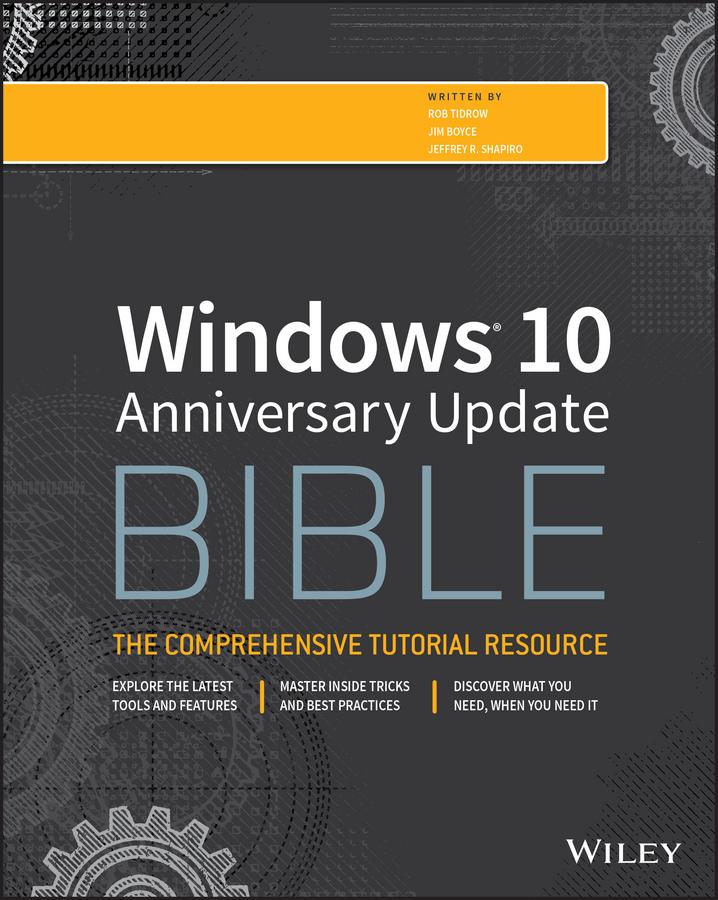
Windows 10 Bible, Anniversary Update presents the ultimate reference for enterprise and professional Windows 10 Anniversary Update users. From setup and settings to networking and the daily workflow, this book provides expert guidance on all aspects of the OS. Read from beginning to end for a comprehensive tour of all of the nooks and crannies, or dip in as needed to find quick answers to your most pressing issues—formatted as a reference divided into mini-tutorials, this guide delves deep into the Windows 10 Anniversary Update to walk you through every inch of functionality. Personalize your settings, desktop, and security to augment the way you work; configure Windows 10 for enterprise with remote access, groups, and Hyper-V; set up a private network for two or 20 computers, and manage security to keep your content safe—everything you need to know is explained here.
This book provides clear, authoritative guidance toward every aspect of the old and new to help you take advantage of everything Windows 10 Anniversary Update has to offer.
- Customize your Windows 10 Anniversary Update experience
- Install and remove hardware and software
- Set up your network and configure security
- Manage content, connect to printers, and troubleshoot issues
Clear your to-do list faster than ever with Cortana voice commands, Windows Ink, Windows Hello, and a cross-platform capability that allows you to integrate a range of platforms including tablets, phones, Raspberry Pi, and even Xbox. Even if you're an experienced user, you're probably missing out on some very cool features—let the Windows 10 Bible, Anniversary Update fill the gaps and take your Windows 10 experience to the next level.
Paga facilmente con carta, Klarna, Apple Pay o Google Pay. Non sei soddisfatto? Hai sempre 14 giorni per il rimborso. Leggi di più nei nostri termini. Per qualsiasi domanda, scrivici a hello@memmo.org.
Memmo rende lo studio più facile, ovunque tu sia nel mondo. Qui trovi i tuoi libri di testo e strumenti di studio intelligenti, tutto in un unico posto: riassunti, quiz, podcast e flashcard. E poi c'è Ted, il tuo compagno di studio che risponde a ogni tua domanda. Oltre 50.000 studenti studiano già qui: è stato creato per aiutarti a imparare più velocemente e a stressarti meno.