
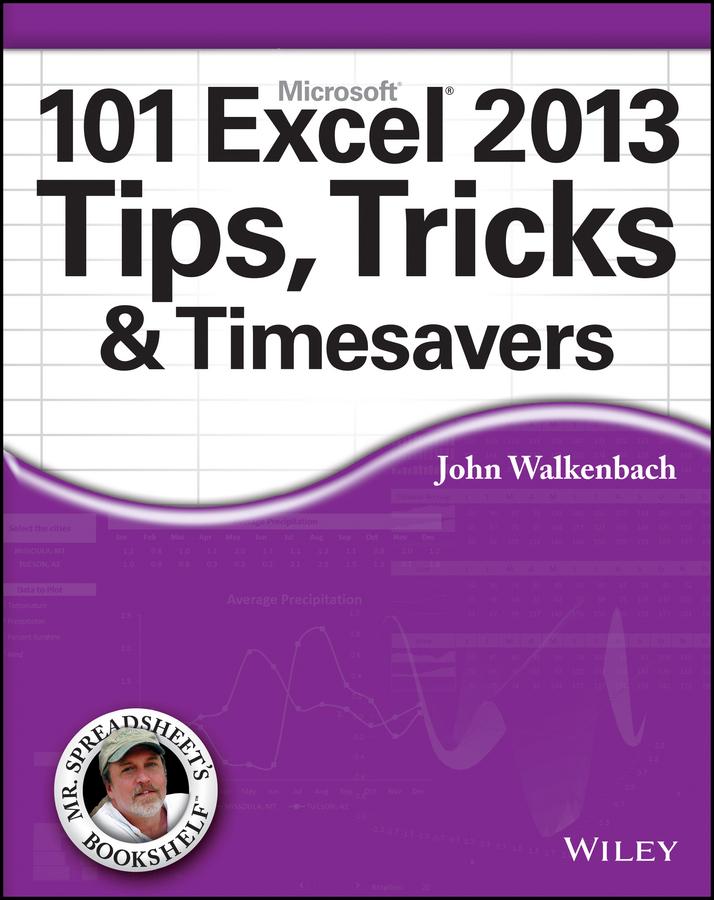
Get the most out of Excel 2013 with this exceptional advice from Mr. Spreadsheet himself!
Excel 2013 is excellent, but there's lots to learn to truly excel at Excel! In this latest addition to his popular Mr. Spreadsheet's Bookshelf series, John Walkenbach, aka "Mr. Spreadsheet," shares new and exciting ways to accomplish and master all of your spreadsheet tasks. From taming the Ribbon bar to testing and tables, creating custom functions, and overcoming "impossible" charts, mixing nesting limits, and more, 101 Excel 2013 Tips, Tricks, & Timesavers will save you time and help you avoid common spreadsheet stumbling blocks.
- Reveals ways to maximize the power of Excel to create robust applications
- Draws on John Walkenbach's years of experience using Excel and writing more than 50 books
- Shares tips and tricks for dealing with function arguments, creating add-ins, using UserForms, working with dynamic chart data, and changing data entry orientation
- Provides shortcuts and helpful techniques for sorting more than three columns, entering fake data for testing purposes, and setting up powerful pivot tables
101 Excel 2013 Tips, Tricks, & Timesavers is packed with information that you need to know in order to confidently and seamlessly master the challenges that come with using Excel!
Paga facilmente con carta, Klarna, Apple Pay o Google Pay. Non sei soddisfatto? Hai sempre 14 giorni per il rimborso. Leggi di più nei nostri termini. Per qualsiasi domanda, scrivici a hello@memmo.org.
Memmo rende lo studio più facile, ovunque tu sia nel mondo. Qui trovi i tuoi libri di testo e strumenti di studio intelligenti, tutto in un unico posto: riassunti, quiz, podcast e flashcard. E poi c'è Ted, il tuo compagno di studio che risponde a ogni tua domanda. Oltre 50.000 studenti studiano già qui: è stato creato per aiutarti a imparare più velocemente e a stressarti meno.