
How to turn lecture notes into flashcards automatically
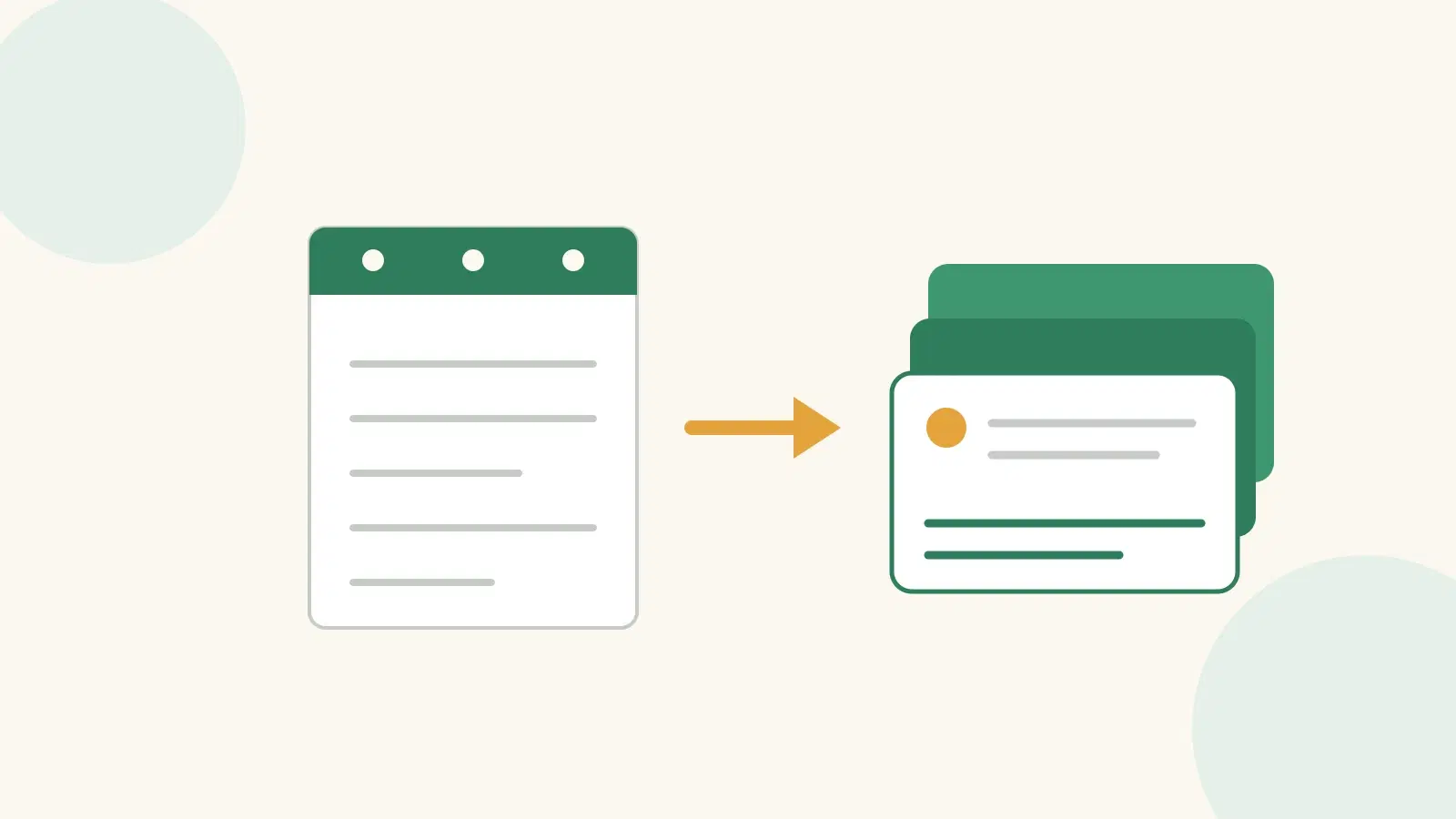
You can turn lecture notes or a course PDF into flashcards automatically: upload the file to an AI flashcard generator and it pulls the key facts into question-and-answer cards in seconds, instead of the hour it takes to type them by hand. The honest catch is that auto-generated cards are a first draft — only as sharp as the notes you feed in, and they only move anything into long-term memory if you review them on a spaced schedule.
Key takeaways
- Uploading your notes or a PDF lets an AI extract question-and-answer cards in seconds — the tedious part of flashcards, gone.
- Treat auto-generated cards as a draft: delete duplicates and rewrite any card that tests recognition instead of recall.
- Cards work through spaced repetition, not volume. Memmo schedules reviews with FSRS, the same open algorithm Anki switched to.
- The best input is your own lecture notes or course textbook — not a stranger's shared deck built for a different exam.
Can you make flashcards from your notes automatically?
Yes. Modern AI flashcard makers read a document — typed lecture notes, a slide deck, a chapter of a textbook — and generate question-and-answer pairs from the facts inside it. In Memmo you upload the file and get a deck back in under a minute, which is the difference between studying tonight and spending the evening formatting cards.
The reason to automate it is not laziness. Building cards by hand is slow enough that most students never finish, and an unfinished deck is one you never review. A complete first draft in seconds is what lets the habit survive a busy week.
How do you turn a PDF into flashcards?
Upload the PDF to a generator, let it extract the key terms and relationships, then review the deck and cut what you already know. In Memmo: open the flashcards tool, drop in the PDF — a reading, a past paper, your own summary — and it returns a deck drawn only from that document. Because the cards come from your actual course material, they test what your exam tests, not a generic definition list.
One rule holds for every tool: read the cards before you trust them. An AI can lift a fact out of a PDF perfectly and still phrase it as a card you can answer by recognising a word rather than recalling the idea. Those are the cards to rewrite.
How do you turn lecture notes into flashcards?
The same way, with one extra step: clean the notes first. AI flashcards from a lecture are only as good as the notes behind them, so a page of half-sentences produces half-cards. If you write your notes as questions during the lecture — "why does the reaction need a catalyst?" instead of "catalyst → lower activation energy" — the generator has something to turn into a real recall card (more on that in taking notes in lectures).
An automatic flashcard generator earns its keep here, because lecture notes are messy and long. Turning forty minutes of scribbles into fifteen clean cards by hand is exactly the job worth handing to a machine.
Do automatic flashcard generators actually make good cards?
They make good raw material and mediocre final cards, which is why every serious tool leaves them editable. The failure modes are consistent: duplicate cards, cards too long to answer in one go, and cards that leak the answer inside the question. None are fatal — each takes a minute to fix once you know to look. Treating the generated deck as finished is the mistake; treating it as a 90%-done draft is the win.
This is where honest tools part ways with hype. A generator that promises a perfect deck from a messy PDF is overselling. The value is the time it saves on the boring 90%, not a claim to replace your judgement on the hard 10%.
Why do flashcards only work with spaced repetition?
Because memory fades on a predictable curve, and reviewing a card just before you would forget it is what resets the clock. Hermann Ebbinghaus (1885) first measured the forgetting curve; Roediger and Karpicke (2008) showed that retrieving a fact from memory strengthens it far more than rereading; and Cepeda and colleagues (2006), reviewing 254 studies, found that spacing reviews out beats packing them together at almost every interval. Dunlosky and colleagues (2013) ranked practice testing and distributed practice as the two most effective techniques of the ten they reviewed.
The consequence: a stack of 200 auto-generated cards reviewed once does almost nothing. The same cards, scheduled so each returns at the right moment, is what builds durable memory. Memmo handles the scheduling with FSRS (via ts-fsrs), the open-source algorithm Anki switched to — so you get Anki-grade spacing without building the cards by hand.
Which tool actually generates flashcards from your material?
It depends on whether you want to build cards yourself or hand a document to a machine, and whether the scheduling matters to you.
| Tool | How you get cards | Spaced repetition | Works from your own PDF/notes | Cost |
|---|---|---|---|---|
| Anki | You write every card by hand | Yes — FSRS, best-in-class | Not natively (community add-ons only) | Free and open source (paid iOS app) |
| Quizlet | Type them, or "Magic Notes" from pasted text | Basic (Learn mode) | Partly — paste text, not a full PDF | Free tier; generation and unlimited study need Quizlet Plus |
| ChatGPT / general AI | Paste text and ask for cards | No — no scheduling or storage | Yes, if you paste it in yourself | Free/paid tiers; you copy the cards out by hand |
| Memmo | Upload a PDF or notes, get a deck | Yes — FSRS | Yes — built for your own uploads | Free weekly quota; paid for more |
The honest read: if you love building cards and want the deepest scheduling, Anki is hard to beat — you just do the typing. If you want the typing done for you from your own course material and reviewed on the same class of algorithm, that is where Memmo fits. Once your deck exists you can also turn the same material into a quiz to test yourself in a different format.
How many flashcards should you make, and how often should you review?
Aim for 10–15 cards per lecture or chapter, not 100. A smaller deck of well-made cards, reviewed on schedule, beats a huge deck you abandon — the same lesson as spaced repetition generally. For review frequency, let the scheduler decide: the whole point of FSRS is that it shows you each card at the interval where recall is about to fail, so you are neither cramming nor wasting time on cards you already own. If you are in exam week, front-load the generation early so the spacing has room to work — flashcards made the night before behave like plain rereading.
Frequently asked questions
Can ChatGPT make flashcards from my notes?
It can draft cards from text you paste in, but it does not store or schedule them, and it can invent facts that were not in your notes. Use it for a quick draft, then move the cards into a tool that reviews them on a spaced schedule.
Are AI-generated flashcards as good as ones I write myself?
Cards you write yourself have a small edge — the generation effect (Slamecka and Graf, 1978) means producing material helps you remember it. But a finished auto-generated deck you actually review beats a hand-made deck you never complete. The best of both is to auto-generate, then rewrite the few cards that matter most.
What is the best format for a flashcard?
One fact per card, with a question that forces recall rather than recognition. "What does a catalyst do to activation energy?" is better than "Catalyst — lowers activation energy (true/false)", because the first makes you retrieve the answer and the second lets you guess.
Can I turn a past exam paper into flashcards?
Yes — upload the paper as a PDF and generate cards from the recurring question types. It is one of the highest-value inputs, because a past paper shows you what the examiner actually asks. See how to find past papers for your course.