
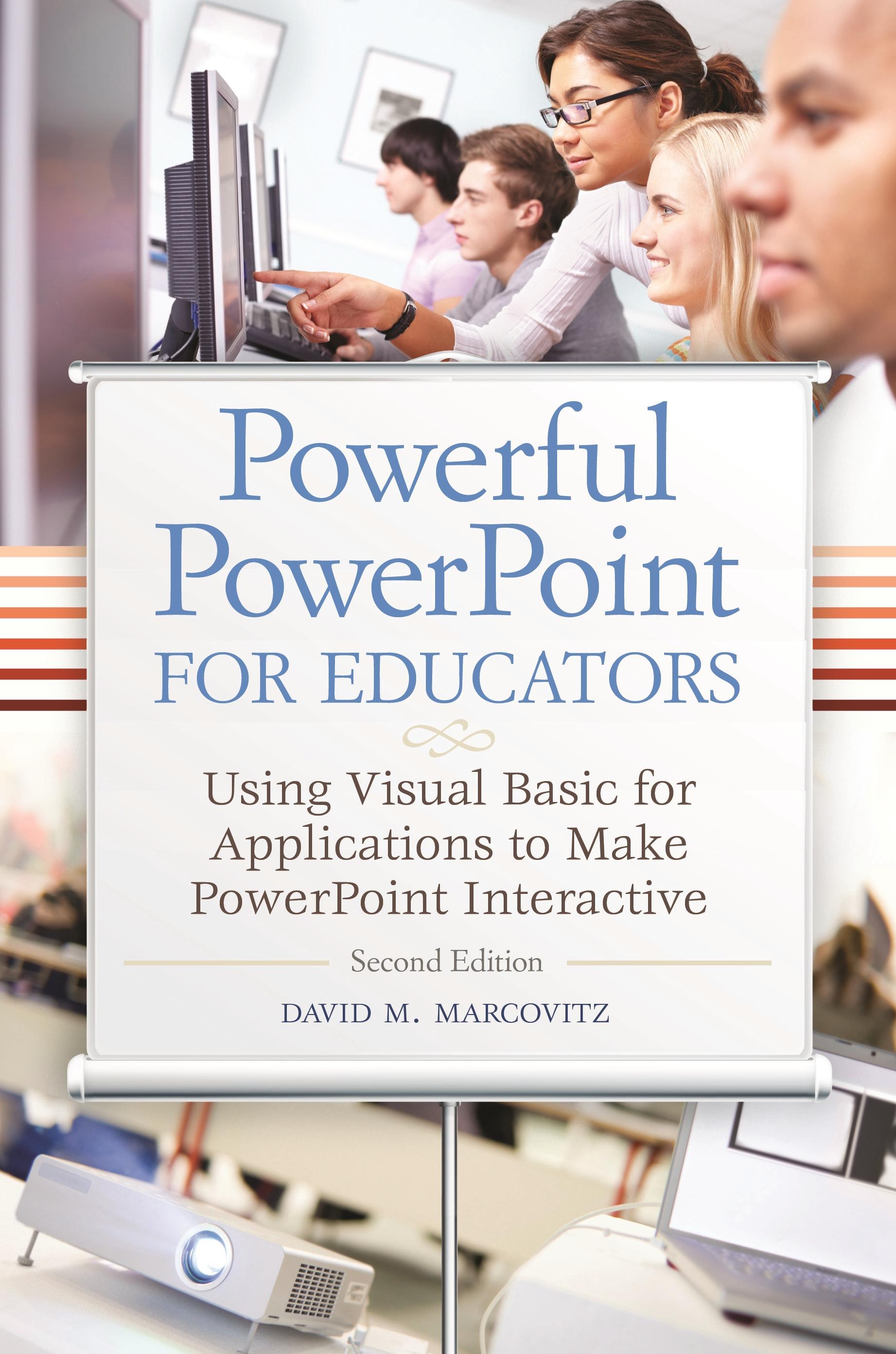
This timely book helps educators unleash the interactive potential of PowerPoint to build their own multimedia material that perfectly matches the needs of their students.
While PowerPoint affords powerful capabilities for creating dynamic classroom lessons and enriching curriculum, few educators understand how to take advantage of these built-in features. The second edition of this practical guide helps educators produce creative multimedia material for their students, regardless of their level of programming proficiency.
Powerful PowerPoint for Educators: Using Visual Basic for Applications to Make PowerPoint Interactive, Second Edition discusses the educational benefits of multimedia instruction and provides a review of intermediate PowerPoint skills. Author David Marcovitz explains the concept of Visual Basic for Applications (VBA) scripting and provides progressively advanced skills and practice examples. While other books that describe VBA are written in a highly technical manner, this book is geared toward educators with little or no programming background and includes tips for modifying the practice examples for their own interactive multimedia projects.
While PowerPoint affords powerful capabilities for creating dynamic classroom lessons and enriching curriculum, few educators understand how to take advantage of these built-in features. The second edition of this practical guide helps educators produce creative multimedia material for their students, regardless of their level of programming proficiency.
Powerful PowerPoint for Educators: Using Visual Basic for Applications to Make PowerPoint Interactive, Second Edition discusses the educational benefits of multimedia instruction and provides a review of intermediate PowerPoint skills. Author David Marcovitz explains the concept of Visual Basic for Applications (VBA) scripting and provides progressively advanced skills and practice examples. While other books that describe VBA are written in a highly technical manner, this book is geared toward educators with little or no programming background and includes tips for modifying the practice examples for their own interactive multimedia projects.
Zahle einfach mit Karte, Klarna, Apple Pay oder Google Pay. Nicht zufrieden? Du hast immer ein 14-tägiges Widerrufsrecht. Lies mehr in unseren AGB. Hast du Fragen, schreib uns eine E-Mail an hello@memmo.org.
Memmo macht das Lernen einfacher – wo auch immer du bist. Bei uns findest du deine Kursbücher und smarte Lerntools an einem Ort: Zusammenfassungen, Quizzes, Podcasts und Lernkarten. Und Ted, dein Lernbuddy, beantwortet alles, was du wissen möchtest. Über 50.000 Studierende lernen bereits hier – gemacht, damit du schneller lernst und weniger Stress hast.