
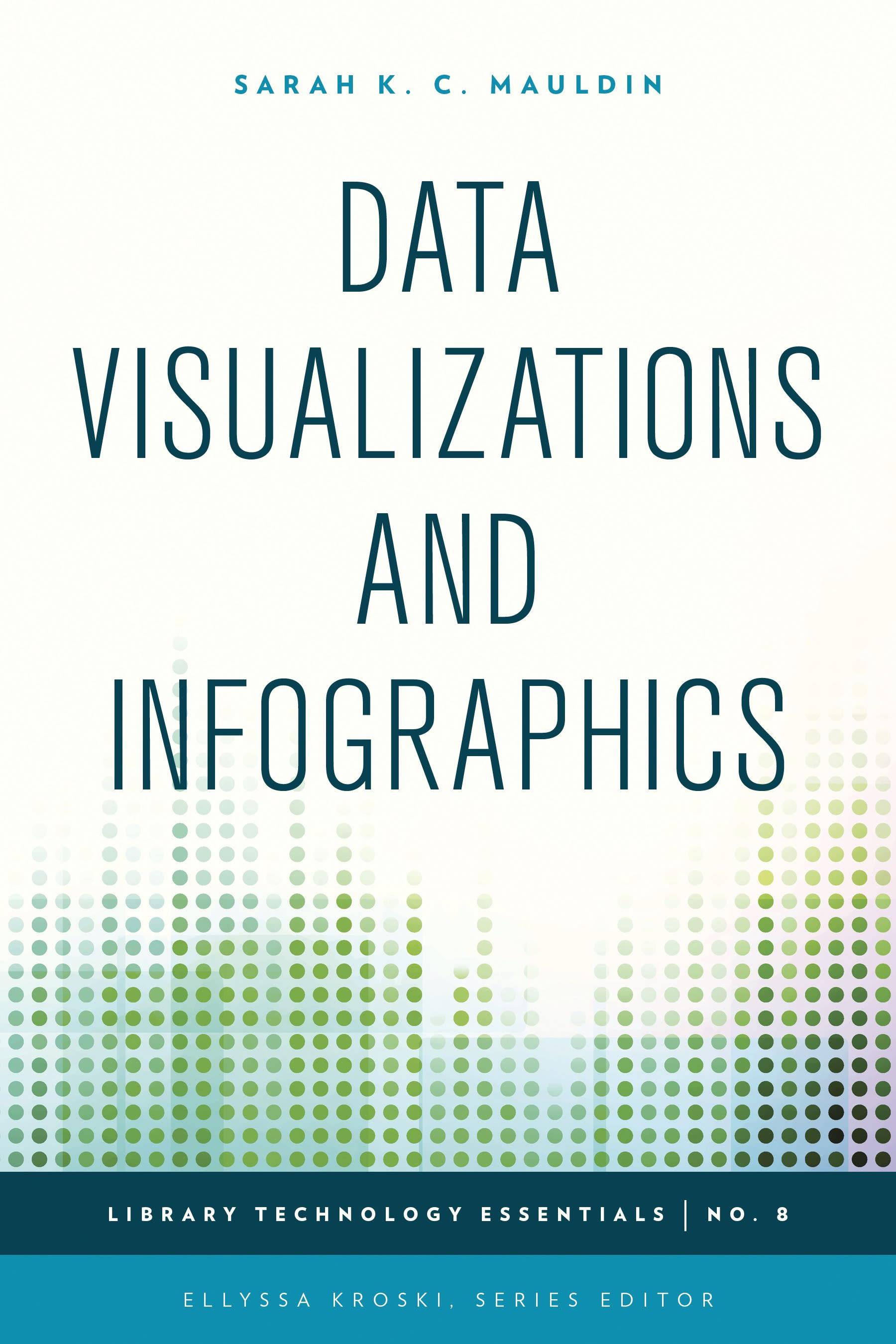
Graphics which visually represent data or complex ideas are oftentimes easier for people to understand and digest than standalone statistics. A map shaded with different colors to represent religious affiliations or income levels enables researchers to quickly identify trends and patterns. New free tools and applications offer librarians the opportunity to organize and manipulate data to quickly create these helpful graphics. Learn how to overlay data sets on maps, create infographics for library services and instruction, use mindmapping for group brainstorming sessions, produce detailed timelines, process flowcharts, diagrams, and much more in this complete how-to-guidebook.
This complete how-to guidebook provides you with the tools and inspiration you need to use infographics and data visualization techniques in your library to knock your audience’s socks off as you tell your story in a visual format that can be consumed and understood at a glance.
You will learn how to:
use the tools you already have to create a simple infographic;create a library services infographic using Piktochart;create instructional infographics with Easel.ly;create interactive timelines; mindmap your brainstorming meetings;create library flowcharts and diagrams using Creately;create interactive maps with imported data; andcreate complex data visualizations.
This complete how-to guidebook provides you with the tools and inspiration you need to use infographics and data visualization techniques in your library to knock your audience’s socks off as you tell your story in a visual format that can be consumed and understood at a glance.
You will learn how to:
use the tools you already have to create a simple infographic;create a library services infographic using Piktochart;create instructional infographics with Easel.ly;create interactive timelines; mindmap your brainstorming meetings;create library flowcharts and diagrams using Creately;create interactive maps with imported data; andcreate complex data visualizations.
Zahle einfach mit Karte, Klarna, Apple Pay oder Google Pay. Nicht zufrieden? Du hast immer ein 14-tägiges Widerrufsrecht. Lies mehr in unseren AGB. Hast du Fragen, schreib uns eine E-Mail an hello@memmo.org.
Memmo macht das Lernen einfacher – wo auch immer du bist. Bei uns findest du deine Kursbücher und smarte Lerntools an einem Ort: Zusammenfassungen, Quizzes, Podcasts und Lernkarten. Und Ted, dein Lernbuddy, beantwortet alles, was du wissen möchtest. Über 50.000 Studierende lernen bereits hier – gemacht, damit du schneller lernst und weniger Stress hast.