
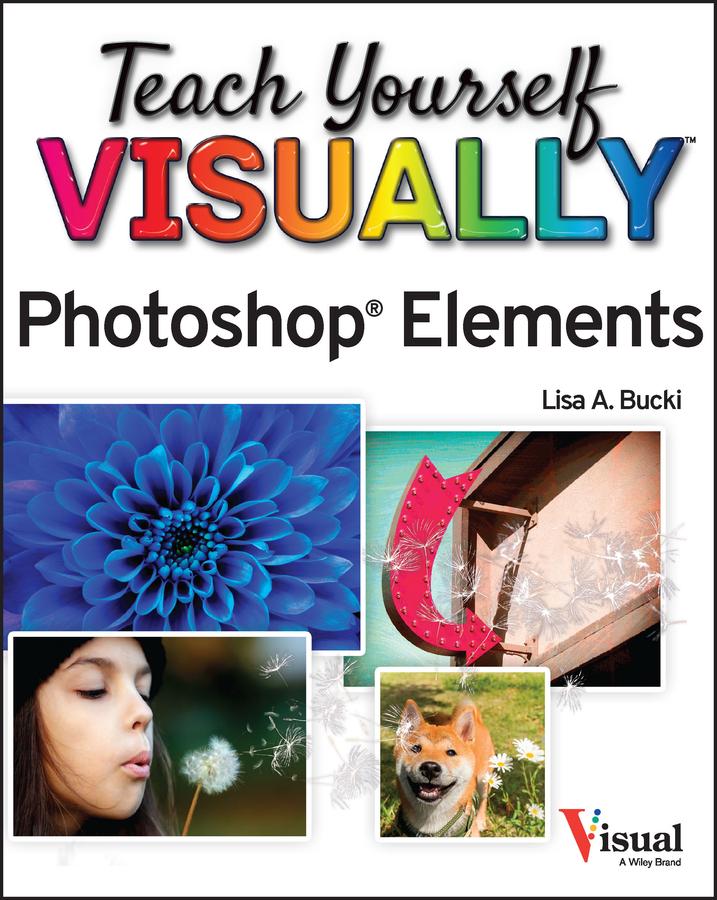
A fast and easy way for visual learners to get a grip on Photoshop Elements
Are you a visual learner? Do you prefer a single, crystal-clear screenshot showing you how to do something to a long-winded explanation telling you how to do it? If so, then this book is for you.
Open up Teach Yourself VISUALLY Photoshop Elements and you’ll find vibrant, step-by-step screenshots showing you how to master over 100 Photoshop Elements tasks. Each task-based spread covers one technique at a time, ensuring you get up and running fast. You’ll learn how to:
- Organize, import, save, and print your photos
- Enhance the lighting and color of pictures that need a little sprucing up
- Apply cool effects that make your photos more lively and interesting
The book breaks big topics down into bite-sized modules with succinct explanations, walking you through every step you need to take. The full-color screenshots demonstrate each task, and helpful sidebars offer practical, hands-on tips and tricks you’ll use every time you open Photoshop Elements. Grab a copy today!
Zahle einfach mit Karte, Klarna, Apple Pay oder Google Pay. Nicht zufrieden? Du hast immer ein 14-tägiges Widerrufsrecht. Lies mehr in unseren AGB. Hast du Fragen, schreib uns eine E-Mail an hello@memmo.org.
Memmo macht das Lernen einfacher – wo auch immer du bist. Bei uns findest du deine Kursbücher und smarte Lerntools an einem Ort: Zusammenfassungen, Quizzes, Podcasts und Lernkarten. Und Ted, dein Lernbuddy, beantwortet alles, was du wissen möchtest. Über 50.000 Studierende lernen bereits hier – gemacht, damit du schneller lernst und weniger Stress hast.