
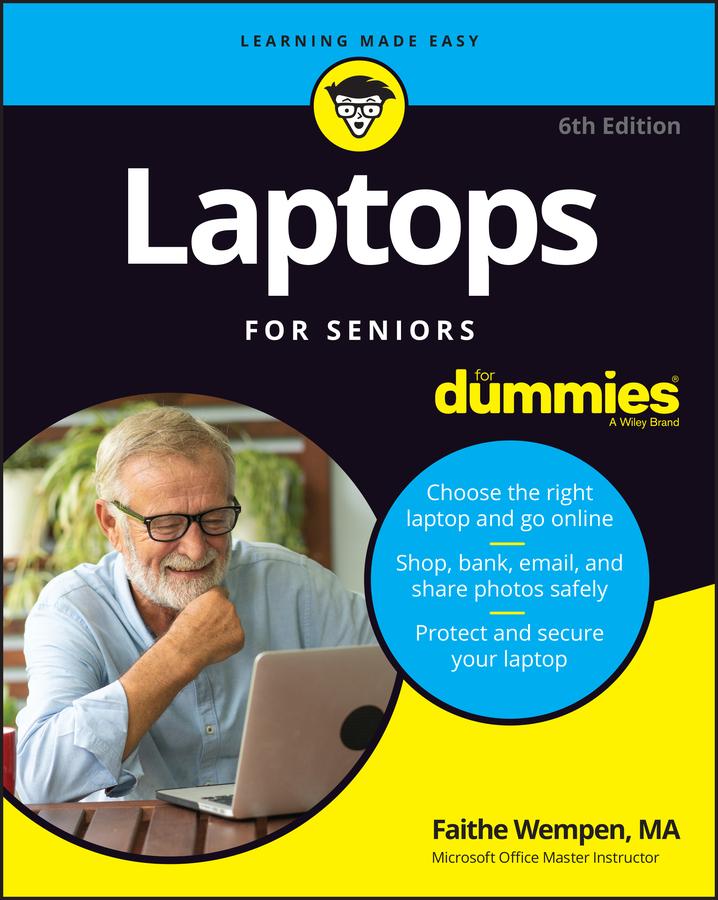
The basics you need to get more comfortable with laptops, without any of the fluff
Laptops For Seniors For Dummies is just for you. We help readers in the 55+ club get the most out of their laptops. You’ll discover how to choose the best laptop for your needs and how to use Microsoft Windows, to share photos, surf the web, use e-mail, and much more. With large text, clear graphics, and easy-to-follow instructions, this For Seniors For Dummies guide will get you up to speed on your new device in no time. Even if you’re upgrading from a typewriter, we can help you choose the right laptop to buy, understand your operating system, use files and folders, download and install software, and stay safe online. It’s all the stuff you need to know to make your laptop work for you.
- Choose and purchase the right laptop for your needs
- Navigate your Windows 10 or 11 operating system with confidence and discover useful programs
- Connect to Wi-Fi, go online, send e-mails, and get started with social media
- Protect and secure your laptop and your personal data
Whether you’re purchasing your first laptop or upgrading from older technology, this Dummies guide will take you step by step through everything you need to know to get laptop savvy.
Zahle einfach mit Karte, Klarna, Apple Pay oder Google Pay. Nicht zufrieden? Du hast immer ein 14-tägiges Widerrufsrecht. Lies mehr in unseren AGB. Hast du Fragen, schreib uns eine E-Mail an hello@memmo.org.
Memmo macht das Lernen einfacher – wo auch immer du bist. Bei uns findest du deine Kursbücher und smarte Lerntools an einem Ort: Zusammenfassungen, Quizzes, Podcasts und Lernkarten. Und Ted, dein Lernbuddy, beantwortet alles, was du wissen möchtest. Über 50.000 Studierende lernen bereits hier – gemacht, damit du schneller lernst und weniger Stress hast.