
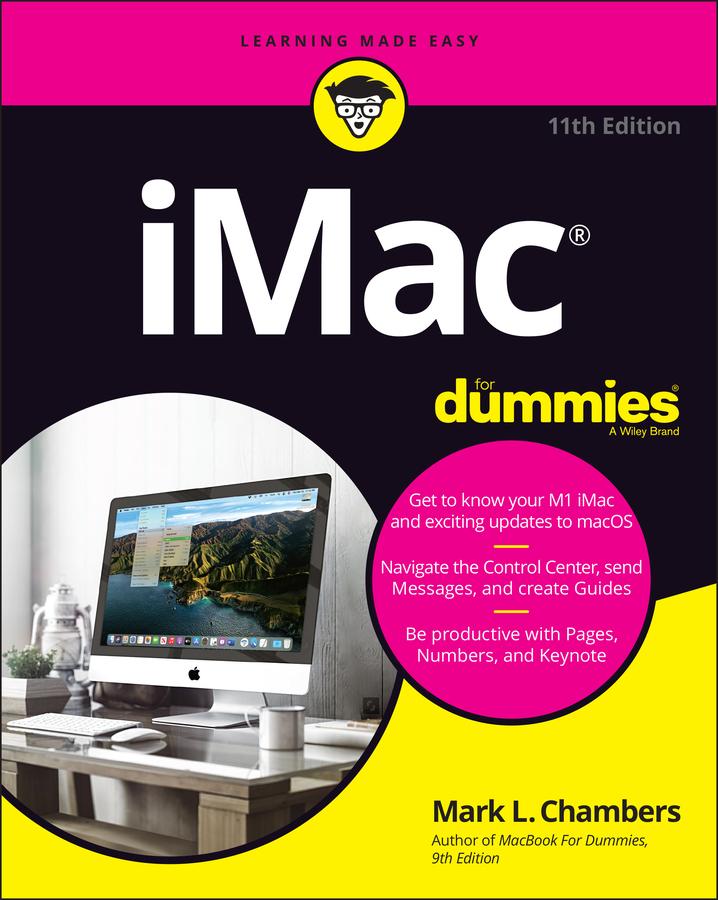
Say hello to your iMac with this bestselling guide
Excited to put your cool iMac through its paces? Go ahead! Say “Hey Siri” to look up information, use the large monitor to play a game or watch a movie, share documents with your iPhone or iPad, or video chat with friends or family. With its optimized system speed, your iMac can keep up with anything you want to do. How cool is that?
Your iMac comes stuffed with features, and iMac For Dummies is your tour guide to explore all of them! This updated handbook has you covered, no matter if you need to work or want to play. You can:
- Scroll, tap, and swipe your way through the Mac operating system
- Set up Bluetooth, Wi-Fi, and other settings in Control Center
- Say “Hey Siri” to have the Apple assistant search for information or launch apps
- Play video games, music, movies, or TV
- Stay in touch with people through Messages and Facetime
- Use productivity apps, including Numbers, Pages, and Keynote
- Sync to iCloud and across all your Apple devices
The all-in-one design of the iMac with its monitor, processor, graphics card, and internal drive makes it ideal for work and entertainment. Pick up your copy of this comprehensive guide to the iMac, filled with screenshots and how-to steps, and ensure you use your iMac to its full potential.
Zahle einfach mit Karte, Klarna, Apple Pay oder Google Pay. Nicht zufrieden? Du hast immer ein 14-tägiges Widerrufsrecht. Lies mehr in unseren AGB. Hast du Fragen, schreib uns eine E-Mail an hello@memmo.org.
Memmo macht das Lernen einfacher – wo auch immer du bist. Bei uns findest du deine Kursbücher und smarte Lerntools an einem Ort: Zusammenfassungen, Quizzes, Podcasts und Lernkarten. Und Ted, dein Lernbuddy, beantwortet alles, was du wissen möchtest. Über 50.000 Studierende lernen bereits hier – gemacht, damit du schneller lernst und weniger Stress hast.