
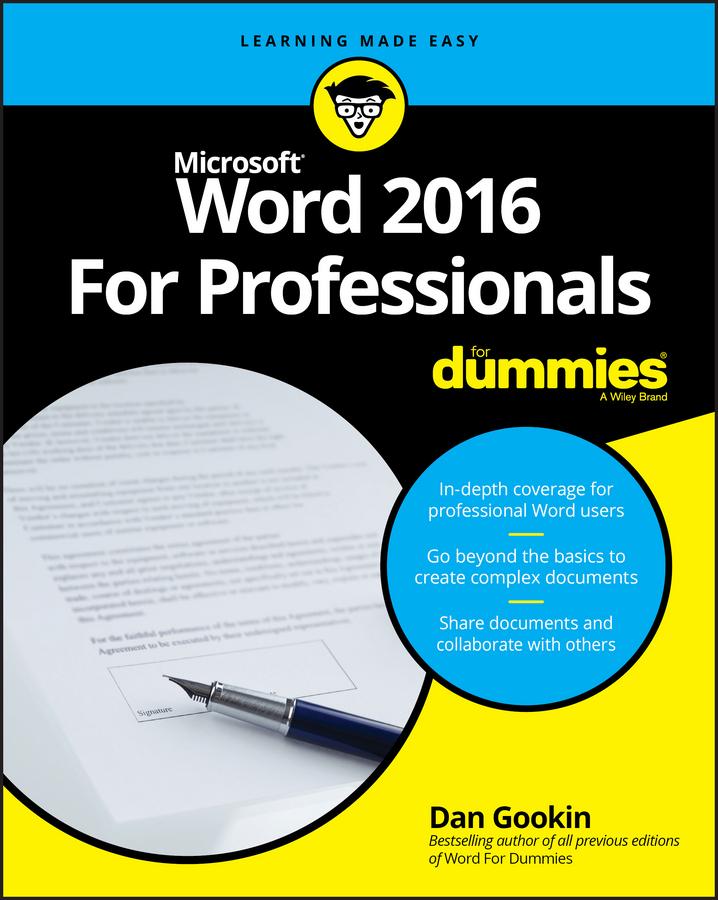
If you're a professional who uses Word, but aren't aware of its many features or get confused about how they work best, Word 2016 For Professionals For Dummies answers all your burning questions about the world's number-one word processing software. Offering in-depth coverage of topics you won't find in Word 2016 For Dummies, this guide focuses on the professional's needs, giving you all you need to know not only do your job well, but to do it even better.
As Microsoft continues to hone Word with each new release, new features are added beyond basic word processing. From using Word to create blog posts to importing data from Excel to expertly flowing text around objects, it covers the gamut of Word's more advanced capabilities—including those you probably don't know exist. Whether you're looking to use Word to build a master document, collaborate and share, publish an book, or anything in between, the thorough, step-by-step guidance in Word 2016 For Professionals For Dummies makes it easier.
- Discover neat Word editing tips and tricks to create complex documents
- Share documents and collaborate with others
- Format text, paragraphs, and pages like never before
- Add Excel charts and graphics to Word documents
- Create an book
Essential reading for the Word power user who wants to be more productive and efficient at work, this handy guide gives you the boost to take your skills to the next level.
Zahle einfach mit Karte, Klarna, Apple Pay oder Google Pay. Nicht zufrieden? Du hast immer ein 14-tägiges Widerrufsrecht. Lies mehr in unseren AGB. Hast du Fragen, schreib uns eine E-Mail an hello@memmo.org.
Memmo macht das Lernen einfacher – wo auch immer du bist. Bei uns findest du deine Kursbücher und smarte Lerntools an einem Ort: Zusammenfassungen, Quizzes, Podcasts und Lernkarten. Und Ted, dein Lernbuddy, beantwortet alles, was du wissen möchtest. Über 50.000 Studierende lernen bereits hier – gemacht, damit du schneller lernst und weniger Stress hast.