
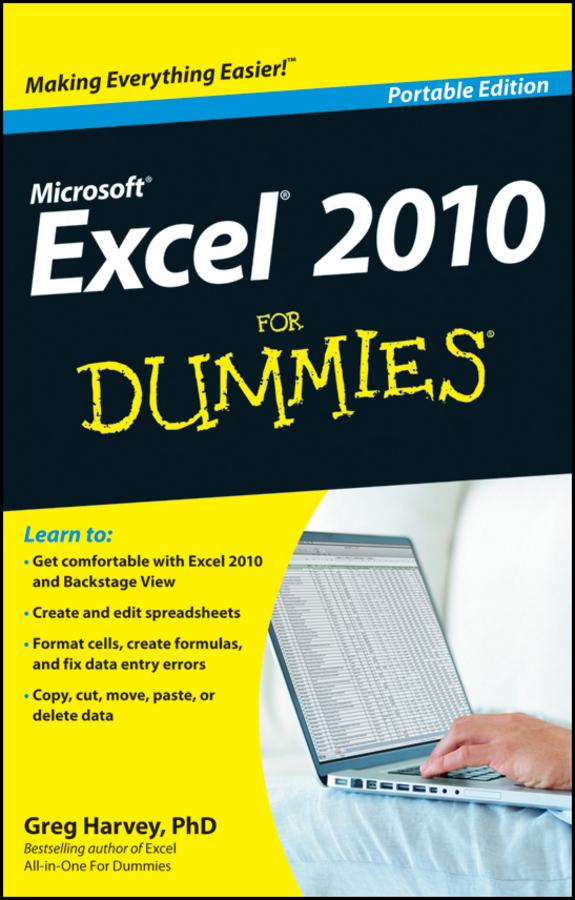
This friendly book gets you started with the basics of Excel 2010, such as creating a spreadsheet from scratch, selecting commands from the Ribbon, customizing the Quick Access toolbar, creating simple formulas, moving and copying data with drag and drop, using the AutoCorrect and AutoFill features, and more.
-
Navigate effectively — see how the Ribbon interface and the Backstage View give you access to all the tools you need for every task
-
Be a mover and a shaker — move and copy data with cut, copy, and paste or drag and drop
-
Summing up — total columns and rows of numbers with the AutoSum button
-
Making it pretty — format data tables, adjust column widths and row heights, hide columns and rows, and format with Styles or the Format Painter
-
Safety net — save your work and recover spreadsheets after a computer crash
Open the book and find:
-
What's new in Excel 2010
-
How to surf an Excel 2010 worksheet and workbook
-
Instructions for entering data in a worksheet
-
Tips for keeping your data secure
-
How to enter and edit formulas with built-in functions
-
Tips for undoing or deleting data entry mistakes
Learn to:
-
Get comfortable with Excel 2010 and Backstage View
-
Create and edit spreadsheets
-
Format cells, create formulas, and fix data entry errors
-
Copy, cut, move, paste, or delete data
Zahle einfach mit Karte, Klarna, Apple Pay oder Google Pay. Nicht zufrieden? Du hast immer ein 14-tägiges Widerrufsrecht. Lies mehr in unseren AGB. Hast du Fragen, schreib uns eine E-Mail an hello@memmo.org.
Memmo macht das Lernen einfacher – wo auch immer du bist. Bei uns findest du deine Kursbücher und smarte Lerntools an einem Ort: Zusammenfassungen, Quizzes, Podcasts und Lernkarten. Und Ted, dein Lernbuddy, beantwortet alles, was du wissen möchtest. Über 50.000 Studierende lernen bereits hier – gemacht, damit du schneller lernst und weniger Stress hast.