
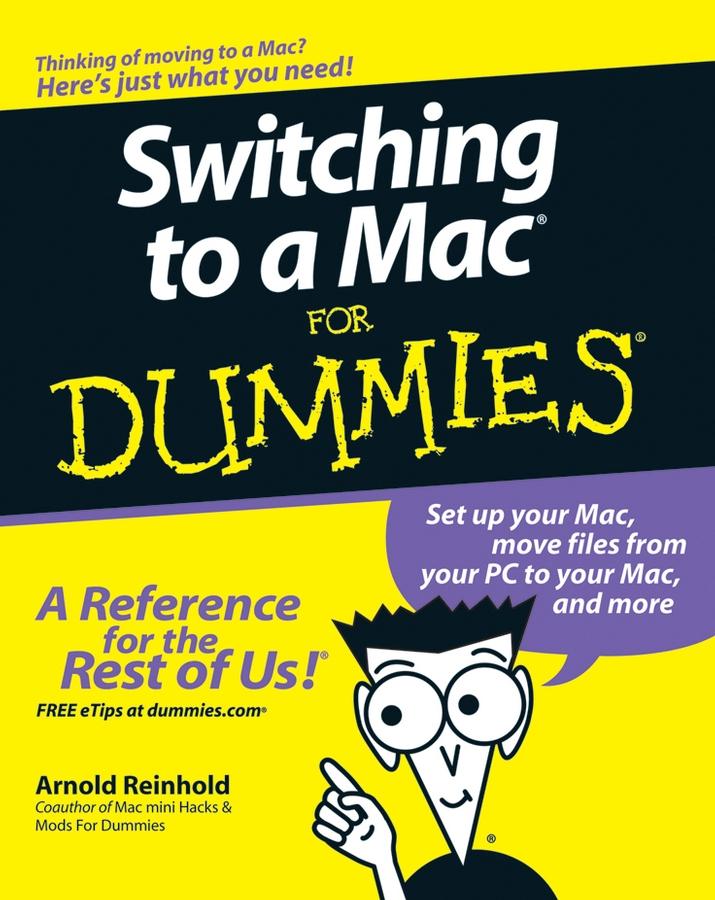
Whether you’ve been using Windows XP, Vista, or even Linux, you’ll find simple, straightforward ways to make your transition go smoothly. That will leave you plenty of time to get familiar with Mac’s prodigious and dynamic OS X capabilities. You’ll also connect with iLife, Mac’s amazing integrated software suite that lets you turn your computer into a powerful media center—not just for listening and watching, but for creating music, video, and much more. Discover how to:
- Decide whether the switch to Mac is right for you
- Choose the Mac that will change your life
- Keep and reuse elements of your old setup
- Go online with your Mac
- Connect to your home network—even that old PC
- Go media crazy with iTunes, iPhoto and more
- Take advantage of Mac’s business capabilities
Complete with handy cheat sheet of common Mac short cuts and commands as well as a glossary of Mac world lingo, Switching to Mac For Dummies ensures that your switch will be the smartest thing you ever do.
Zahle einfach mit Karte, Klarna, Apple Pay oder Google Pay. Nicht zufrieden? Du hast immer ein 14-tägiges Widerrufsrecht. Lies mehr in unseren AGB. Hast du Fragen, schreib uns eine E-Mail an hello@memmo.org.
Memmo macht das Lernen einfacher – wo auch immer du bist. Bei uns findest du deine Kursbücher und smarte Lerntools an einem Ort: Zusammenfassungen, Quizzes, Podcasts und Lernkarten. Und Ted, dein Lernbuddy, beantwortet alles, was du wissen möchtest. Über 50.000 Studierende lernen bereits hier – gemacht, damit du schneller lernst und weniger Stress hast.