
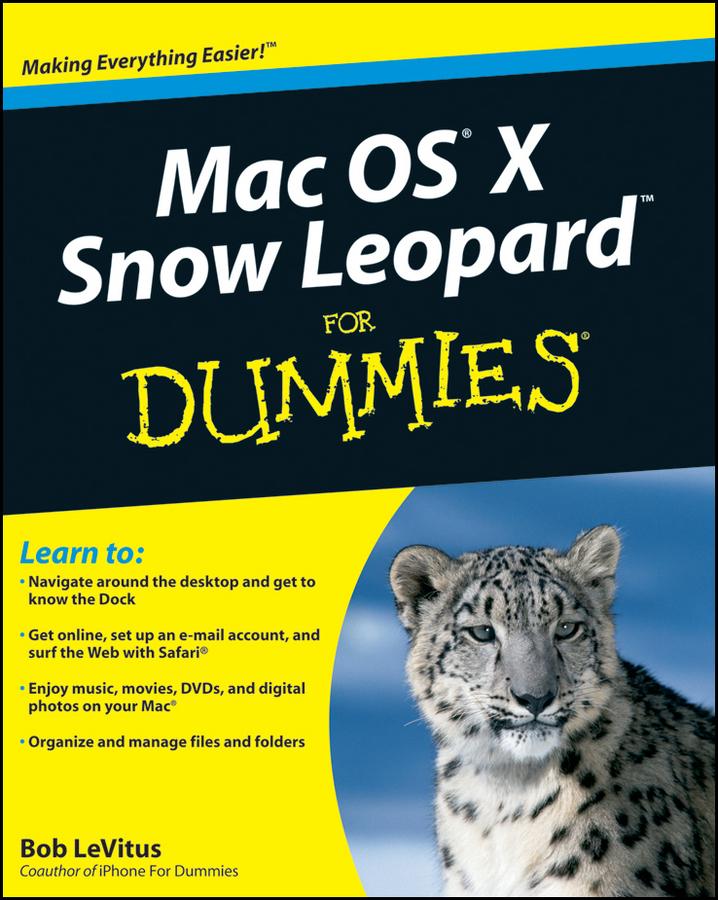
From starting up your Mac to setting up a network and keeping in touch via iChat AV, Mac OS X Snow Leopard For Dummies gives you the scoop on the new features and improvements that help you do more work in less time.
- Learn when to shut down your Mac and when not to, how to secure it, and how to back it up with Time Machine
- Organize your life with iCal and your stuff with files and folders, and be able to find what you’re looking for
- Set up your Internet connection and e-mail, manage spam, surf with Safari, and start iChatting
- Download and organize songs, podcasts, and movies with iTunes and plan a playlist with Genius
- Create documents with TextEdit, print them, fax then, and make PDFs
- Set up a network and share files, printers, and Internet connections
- Find out about operating system updates, firewalls, troubleshooting, and other ways to keep your Mac safe, healthy, and happy
Technology columnist Bob LeVitus has been a Mac guru for nearly two decades. Mac OS X Snow Leopard For Dummies provides just what you need to get up and running with Snow Leopard.
Zahle einfach mit Karte, Klarna, Apple Pay oder Google Pay. Nicht zufrieden? Du hast immer ein 14-tägiges Widerrufsrecht. Lies mehr in unseren AGB. Hast du Fragen, schreib uns eine E-Mail an hello@memmo.org.
Memmo macht das Lernen einfacher – wo auch immer du bist. Bei uns findest du deine Kursbücher und smarte Lerntools an einem Ort: Zusammenfassungen, Quizzes, Podcasts und Lernkarten. Und Ted, dein Lernbuddy, beantwortet alles, was du wissen möchtest. Über 50.000 Studierende lernen bereits hier – gemacht, damit du schneller lernst und weniger Stress hast.