
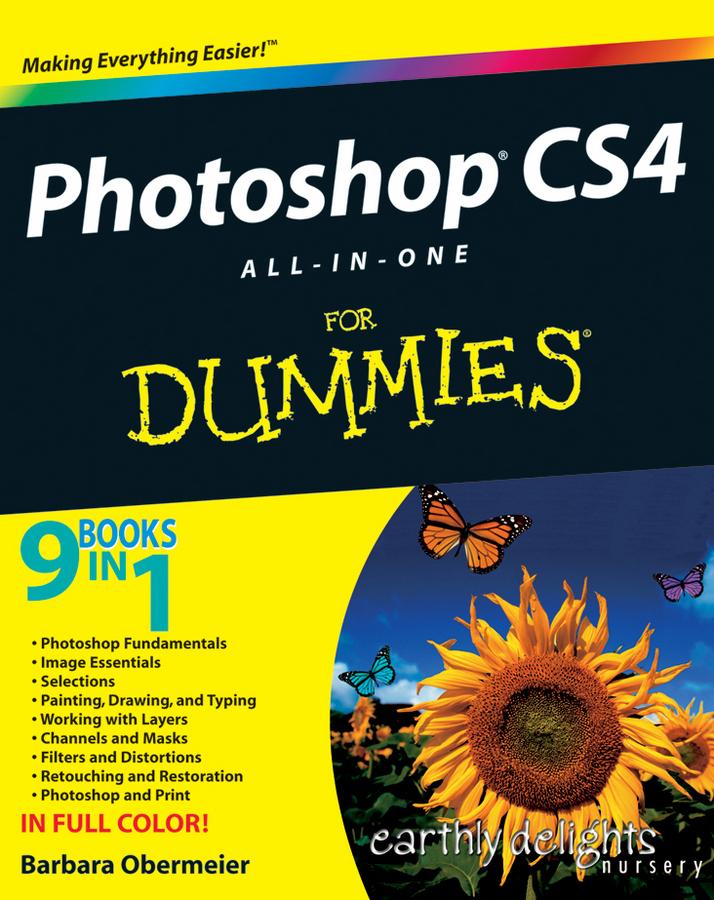
There’s a reason why Photoshop is the industry standard for image-editing software. But it’s also that big, Photoshop has so many facets and features that a handy one-stop guide is exactly what you need. And you’ll love the “Putting It Together” exercises that give you hands-on experience – in rich, full color!
- Learn the parts — the desktop, menus, panels, and key tools, and how to use Adobe Bridge
- Make your selection — learn about each of the selection tools plus the powerful Pen tool and Paths panel
- Brush up — on the Brush and Pencil tools and how to create vector shapes, create and edit type, and put type on a path
- Restore and retouch — correct and enhance color, improve contrast, and use the Clone Stamp and Healing tools to fix flaws and damage
- Print it — learn how to get the right resolution, image mode, and file format, and prepare your work for printing
Open the book and find:
- How to crop images and increase their canvas size
- Tips for creating gradients and patterns
- Advice on resizing images
- How to composite images with layers and blending modes
- Filter techniques to correct or alter images
- How the Vanishing Point feature makes editing easier
- Steps for making adjustments with levels and curves
- How to create contact sheets
Zahle einfach mit Karte, Klarna, Apple Pay oder Google Pay. Nicht zufrieden? Du hast immer ein 14-tägiges Widerrufsrecht. Lies mehr in unseren AGB. Hast du Fragen, schreib uns eine E-Mail an hello@memmo.org.
Memmo macht das Lernen einfacher – wo auch immer du bist. Bei uns findest du deine Kursbücher und smarte Lerntools an einem Ort: Zusammenfassungen, Quizzes, Podcasts und Lernkarten. Und Ted, dein Lernbuddy, beantwortet alles, was du wissen möchtest. Über 50.000 Studierende lernen bereits hier – gemacht, damit du schneller lernst und weniger Stress hast.