
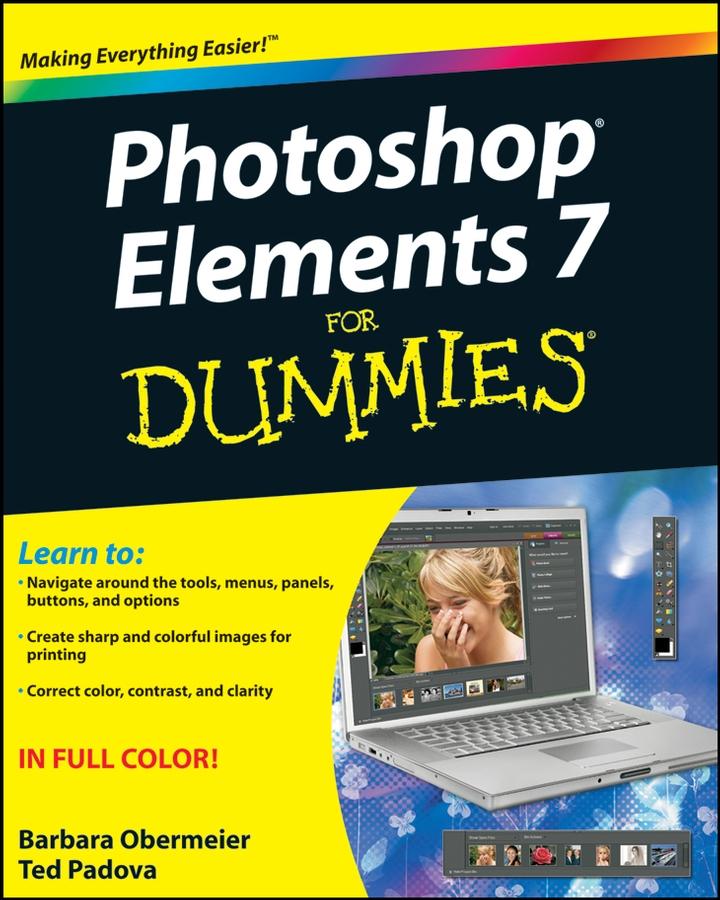
You’ll find out how to transform your ordinary photos into visually stunning creations. This book gives you the tools to enhance your images, fix flaws, share pictures online, correct small problems with Quick Fix, keep track of images with the Project Bin, take charge with Shortcuts, present your photos as a slideshow, use Web hosting, animate images, and create movie files. You’ll also learn to:
- Use the Organizer to move around efficiently in Elements
- Correct color, brightness, contrast, and exposure
- Use Adobe’s free Photoshop.com service
- Streamline your work using shortcuts
- Work with bitmap, grayscale, and indexed color modes
- Create albums and import images
- Follow creative applications for filters and effects
- Prepare images for printing
- Turn your photos into postcards, calendars, greeting cards, and photo albums
- Straighten crooked lines, crop for effect, or fix color, sharpness, red-eye, and contrast
Photoshop Elements 7 For Dummies shows you how to use all the Elements of great image editing, management, and photo fun. Whether you’re concerned about color profile embedding or just want to put your kid’s photo on a calendar, you’ll learn how with this book!
Zahle einfach mit Karte, Klarna, Apple Pay oder Google Pay. Nicht zufrieden? Du hast immer ein 14-tägiges Widerrufsrecht. Lies mehr in unseren AGB. Hast du Fragen, schreib uns eine E-Mail an hello@memmo.org.
Memmo macht das Lernen einfacher – wo auch immer du bist. Bei uns findest du deine Kursbücher und smarte Lerntools an einem Ort: Zusammenfassungen, Quizzes, Podcasts und Lernkarten. Und Ted, dein Lernbuddy, beantwortet alles, was du wissen möchtest. Über 50.000 Studierende lernen bereits hier – gemacht, damit du schneller lernst und weniger Stress hast.