
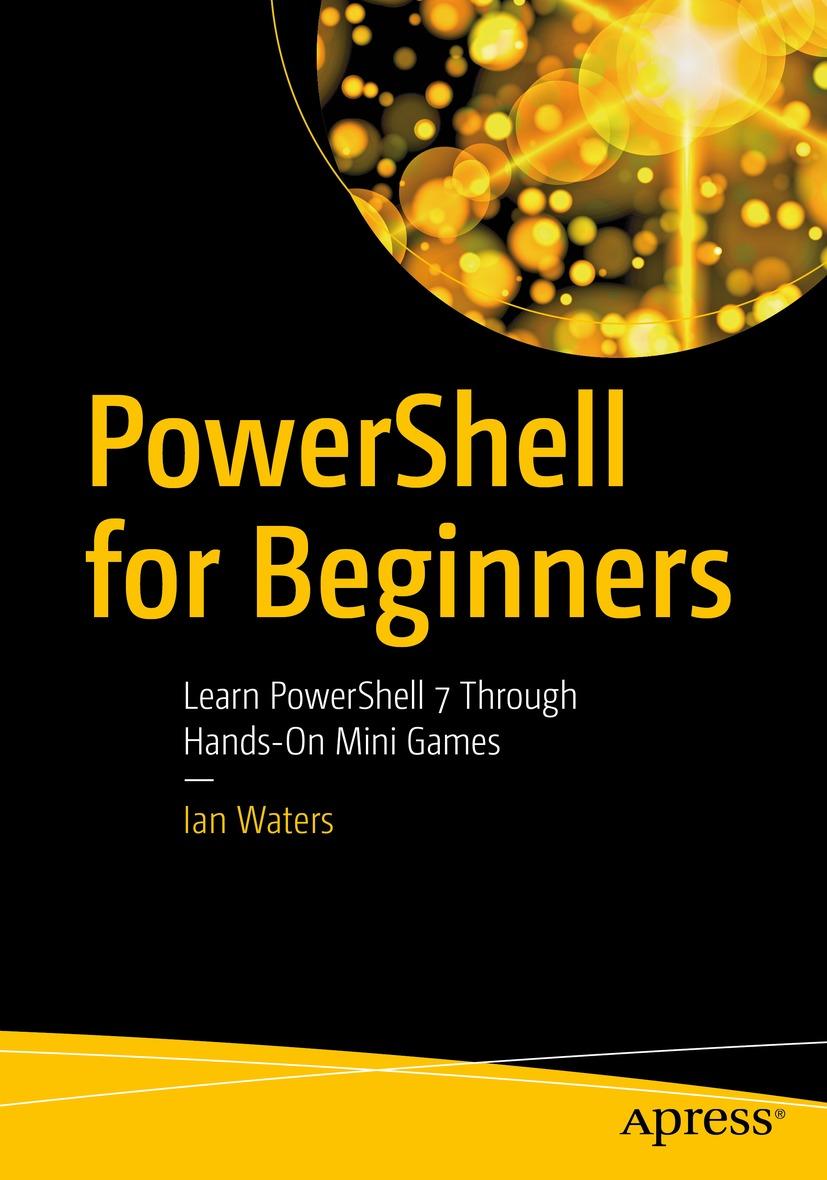
Learn the basic tools and commands to write scripts in PowerShell 7. This hands-on guide is designed to get you up and running on PowerShell quickly - introducing interactive menus, reading and writing files, and creating code that talks over the network to other scripts, with mini games to facilitate learning.
PowerShell for Beginners starts with an introduction to PowerShell and its components. It further discusses the various tools and commands required for writing scripts in PowerShell 7, with learning reinforced by writing mini games. You will learn how to use variables and conditional statements for writing scripts followed by loops and arrays. You will then work with functions and classes in PowerShell. Moving forward, you will go through the PowerShell Console, customizing the title and text colors. Along the way you will see how to read a key press and make sound in PowerShell. The final sections cover game engine layout, how to build a title screen, and implementing the game design using code flow, title screens, levels, and much more.
After reading the book you will be able to begin working with PowerShell 7 scripts and understand how to use its tools and commands effectively.What You Will Learn
- Use Microsoft Visual Studio Code to develop scripts
- Understand variables, loops and conditional statements in PowerShell
- Work with scripts to develop a game
- Discover and use ASCII art generators
- Comprehend game objects and code
Create client-server scripts that communicate over a network
Read and write to files
Capture input from the keyboard
Make PowerShell speak words to help the visually impaired
Create text-based adventure games
Paga facilmente con carta, Klarna, Apple Pay o Google Pay. Non sei soddisfatto? Hai sempre 14 giorni per il rimborso. Leggi di più nei nostri termini. Per qualsiasi domanda, scrivici a hello@memmo.org.
Memmo rende lo studio più facile, ovunque tu sia nel mondo. Qui trovi i tuoi libri di testo e strumenti di studio intelligenti, tutto in un unico posto: riassunti, quiz, podcast e flashcard. E poi c'è Ted, il tuo compagno di studio che risponde a ogni tua domanda. Oltre 50.000 studenti studiano già qui: è stato creato per aiutarti a imparare più velocemente e a stressarti meno.