
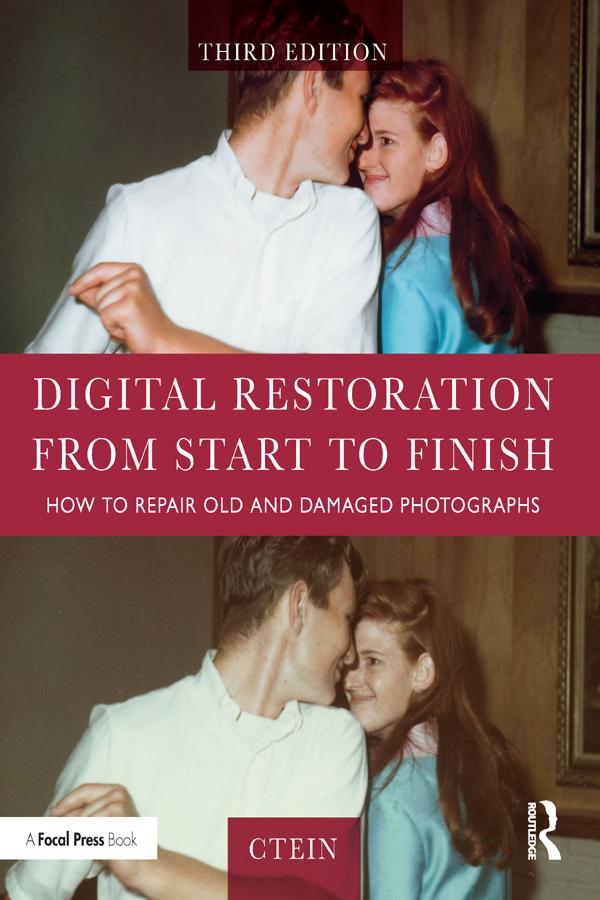
This third edition of Digital Restoration from Start to Finish walks you step-by-step through the entire process of restoring old photographs and repairing new ones using Adobe Photoshop, Photoshop Elements, GIMP and more. This best-selling guide is now updated with the latest software advancements, and new techniques including hand-tinting in lab, repairing water damaged photos, and tips for the spot healing brush and masked layers. No process detail is overlooked, from choosing the right hardware and software, getting the photographs into the computer, getting the finished photo out of the computer and preserving it for posterity.
LEARN HOW TO:
Scan faded and damaged prints or films
Improve snapshots with Shadow/Highlight adjustment
Correct uneven exposure
Fix color and skin tones quickly with Curves, plug-ins, and Hue/Saturation adjustment layers
Correct uneven exposure and do dodging and burning-in with adjustment layers
Hand-tint your photographs easily
Correct skin tones with airbrush layers
Clean up dust and scratches speedily and effectively
Repair small and large cracks with masks and filters
Eliminate tarnish and silvered-out spots from a photograph in just a few steps
Minimize unwanted print surface textures
Erase mildew spots
Eliminate dots from newspaper photographs
Increase sharpness and fine detail
Maximize print quality
Paga facilmente con carta, Klarna, Apple Pay o Google Pay. Non sei soddisfatto? Hai sempre 14 giorni per il rimborso. Leggi di più nei nostri termini. Per qualsiasi domanda, scrivici a hello@memmo.org.
Memmo rende lo studio più facile, ovunque tu sia nel mondo. Qui trovi i tuoi libri di testo e strumenti di studio intelligenti, tutto in un unico posto: riassunti, quiz, podcast e flashcard. E poi c'è Ted, il tuo compagno di studio che risponde a ogni tua domanda. Oltre 50.000 studenti studiano già qui: è stato creato per aiutarti a imparare più velocemente e a stressarti meno.