
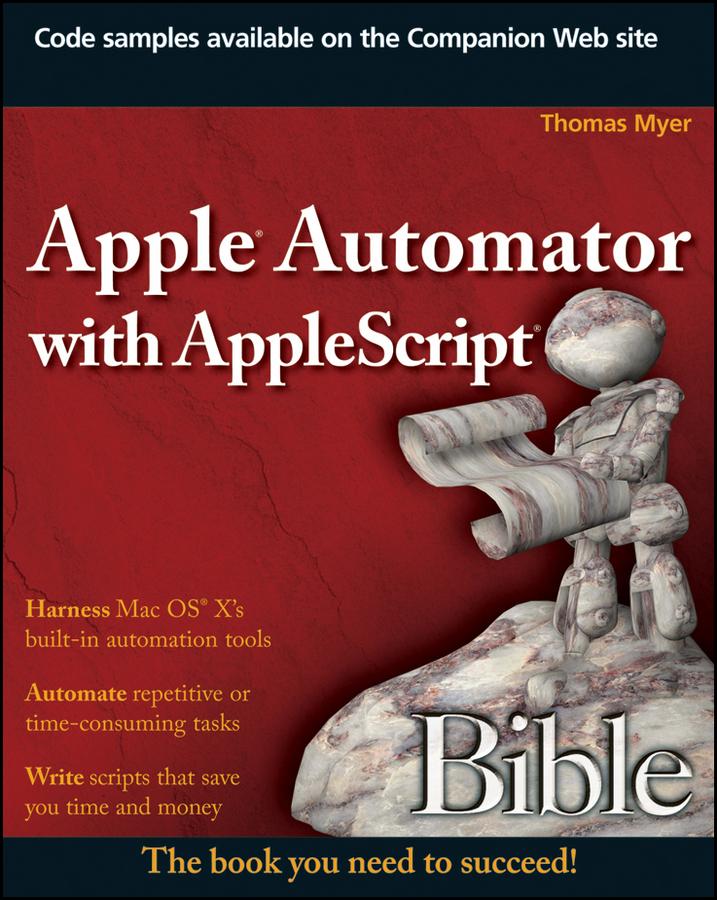
One of the handiest ways to streamline your workload is to automate some of your most routine computer tasks. Mac users are lucky in that they have AppleScript and Automator automation tools built right in. This comprehensive guide shows you how to tap both these useful Mac features for Mac OS X and regularly perform such tasks as extracting unread e-mails from your Mail, scheduling workflows, and manually recording actions to create new automated routines.
- Brings you up to speed on Apple's built-in automation tools for Mac OS X, including a more thorough look at Automator than in many books, and shows you how you can automate many of your most repetitive or error-prone tasks
- Explains how to automate aspects of some of your favorite Mac features, such as iCal, Mail, iPhoto, iTunes, and iDVD
- Covers how to manipulate files and folders; work with PDFs, emails, and Web pages; schedule workflows; set up watch folders; create and use variables; manually record actions; and create AppleScripts that further automate functions
The instruction in this detailed guide will help you increase your productivity using Automator and AppleScript.
Note: CD-ROM/DVD and other supplementary materials are not included as part of Book file.
Paga facilmente con carta, Klarna, Apple Pay o Google Pay. Non sei soddisfatto? Hai sempre 14 giorni per il rimborso. Leggi di più nei nostri termini. Per qualsiasi domanda, scrivici a hello@memmo.org.
Memmo rende lo studio più facile, ovunque tu sia nel mondo. Qui trovi i tuoi libri di testo e strumenti di studio intelligenti, tutto in un unico posto: riassunti, quiz, podcast e flashcard. E poi c'è Ted, il tuo compagno di studio che risponde a ogni tua domanda. Oltre 50.000 studenti studiano già qui: è stato creato per aiutarti a imparare più velocemente e a stressarti meno.