
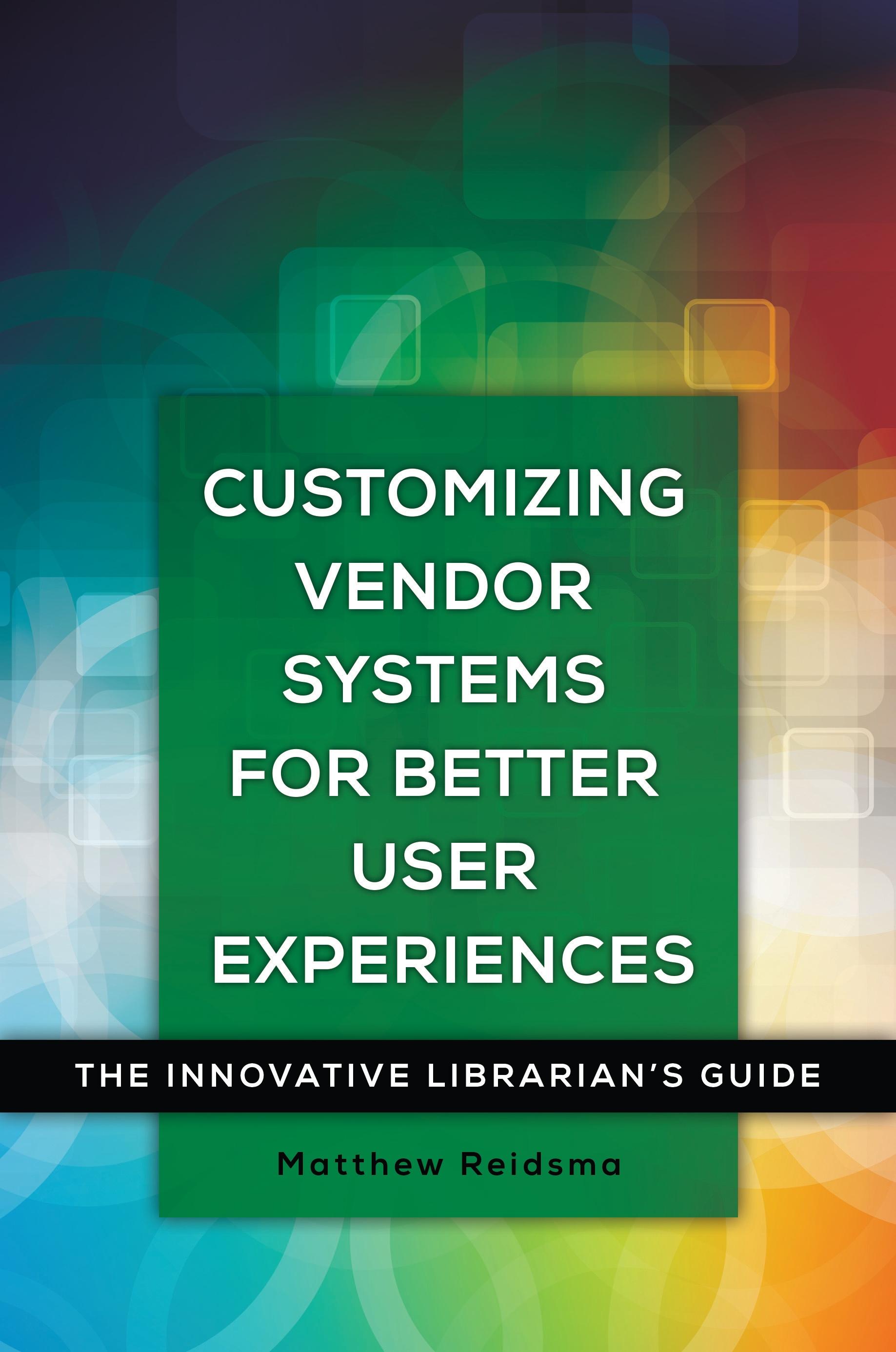
Discover how—with relatively straightforward scripts and minimal coding—to customize the user interfaces to third-party systems from your library's website for better communication with your users and to lead them to your library's services.
In order to provide access to online resources, libraries depend on third-party vendor software that comes with each product. While these systems do have value, they can also be confusing, awkward, frustrating, or even misleading for library users. Imagine how much better your patrons' user experience would be if the software were customized specifically to fit your library. This how-to guide shows library staff how to take a DIY approach to customize the web interface to vendor-hosted online systems, thereby resolving usability problems and providing the ability to respond quickly to problems or evolving needs.
The book begins with an explanation of how to test library vendor software for user experience, then goes on to present solutions to common usability problems through tutorials and case studies on using JavaScript or jQuery to change how a web browser displays that software. It also covers ongoing assessment methods to ensure that user needs have been satisfied. By using these tools, libraries can take some control of "black box" library software and customize it based on local needs.
In order to provide access to online resources, libraries depend on third-party vendor software that comes with each product. While these systems do have value, they can also be confusing, awkward, frustrating, or even misleading for library users. Imagine how much better your patrons' user experience would be if the software were customized specifically to fit your library. This how-to guide shows library staff how to take a DIY approach to customize the web interface to vendor-hosted online systems, thereby resolving usability problems and providing the ability to respond quickly to problems or evolving needs.
The book begins with an explanation of how to test library vendor software for user experience, then goes on to present solutions to common usability problems through tutorials and case studies on using JavaScript or jQuery to change how a web browser displays that software. It also covers ongoing assessment methods to ensure that user needs have been satisfied. By using these tools, libraries can take some control of "black box" library software and customize it based on local needs.
Betal nemt med kort, Klarna, Apple Pay eller Google Pay. Ikke tilfreds? Du har altid 14 dages fortrydelsesret. Læs mere i vores vilkår. Har du spørgsmål, så send os en mail på hello@memmo.org.
Memmo gør det nemmere at studere – uanset hvor du er i verden. Hos os samler du dine kursusbøger og smarte studieværktøjer ét sted: resuméer, quizzer, podcasts og flashcards. Og så er der Ted, din studieven, der svarer på alt, du undrer dig over. Over 50 000 studerende studerer allerede her – bygget til at hjælpe dig med at lære hurtigere og stresse mindre.