
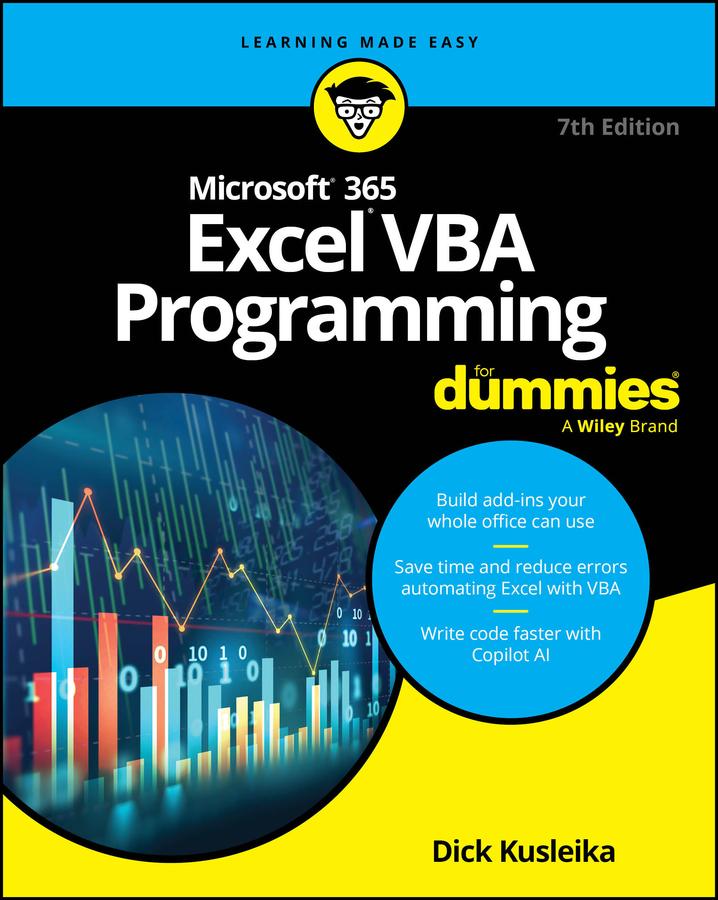
Your step-by-step guide to doing more with Microsoft Excel
Fully updated for the latest version of Office 365, Excel VBA Programming For Dummies will take your Excel knowledge to the next level. With a little background in Visual Basic for Applications (VBA) programming, you can go well beyond basic spreadsheets and functions. Learn the coding basics and syntax you need to write simple or complex macros that can automate your routine Excel tasks. Become an Excel power user by automating data management, user forms, pivot tables, and beyond. When you use VBA to perform Excel operations, you can reduce errors, save time, and integrate with other Microsoft applications. This handy guide also teaches you how to control the security settings for your macros and save macros to use across files and apps. Plus, you'll get updated coverage of Copilot AI integration. Your spreadsheets are about to get much more powerful.
- Get stared with VBA coding to create macros and automate tasks in Excel
- Follow step-by-step instructions to write and execute your first scripts
- Learn about the advanced functions available with the VBA language
- Perform tasks faster and integrate excel with other Microsoft apps
This Dummies guide is right up your alley if you're an Excel user looking to learn some next-level features. Students and professionals alike will reap the benefits of automation, thanks to Excel VBA Programming For Dummies.
Betal nemt med kort, Klarna, Apple Pay eller Google Pay. Ikke tilfreds? Du har altid 14 dages fortrydelsesret. Læs mere i vores vilkår. Har du spørgsmål, så send os en mail på hello@memmo.org.
Memmo gør det nemmere at studere – uanset hvor du er i verden. Hos os samler du dine kursusbøger og smarte studieværktøjer ét sted: resuméer, quizzer, podcasts og flashcards. Og så er der Ted, din studieven, der svarer på alt, du undrer dig over. Over 50 000 studerende studerer allerede her – bygget til at hjælpe dig med at lære hurtigere og stresse mindre.