
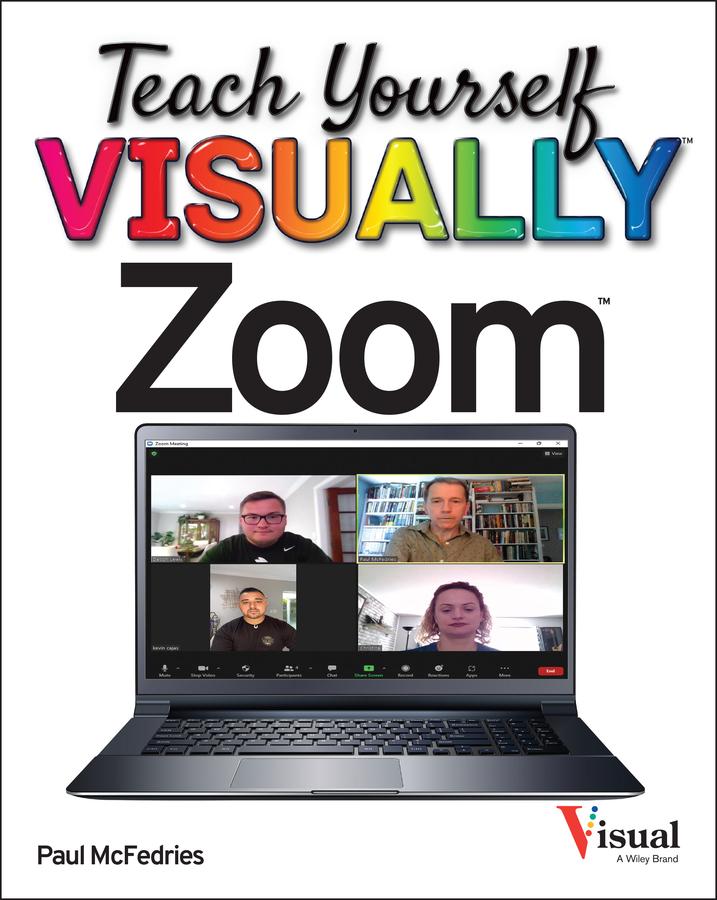
Learn Zoom in a flash with step-by-step instructions and clear, full-size screenshots
For anyone looking for a fast and easy way to learn the most popular videoconferencing software on the market today, Teach Yourself VISUALLY Zoom is your secret weapon. This hands-on guide skips the long-winded explanations and actually shows you how to do what you need to do in Zoom with full-size, color pictures and screenshots.
Whether you’re a total newbie to Zoom or you just need to brush up on some of the finer points of this practical software, you’ll be up and running in no time at all. From joining and hosting Zoom meetings to protecting your privacy and security while you’re online, Teach Yourself VISUALLY Zoom hits all the key features that make online meetings a breeze. You’ll also learn to:
- Integrate Zoom with other apps and share screens and PowerPoints with other meeting attendees
- Schedule, record, and replay your meetings so you never miss out on the important stuff
- Update your Zoom installation to ensure you’re using the latest security patches and upgrades
Perfect for anyone expected to use Zoom at school or at work, Teach Yourself VISUALLY Zoom is the most useful and simplest Zoom handbook currently available.
Betal nemt med kort, Klarna, Apple Pay eller Google Pay. Ikke tilfreds? Du har altid 14 dages fortrydelsesret. Læs mere i vores vilkår. Har du spørgsmål, så send os en mail på hello@memmo.org.
Memmo gør det nemmere at studere – uanset hvor du er i verden. Hos os samler du dine kursusbøger og smarte studieværktøjer ét sted: resuméer, quizzer, podcasts og flashcards. Og så er der Ted, din studieven, der svarer på alt, du undrer dig over. Over 50 000 studerende studerer allerede her – bygget til at hjælpe dig med at lære hurtigere og stresse mindre.