
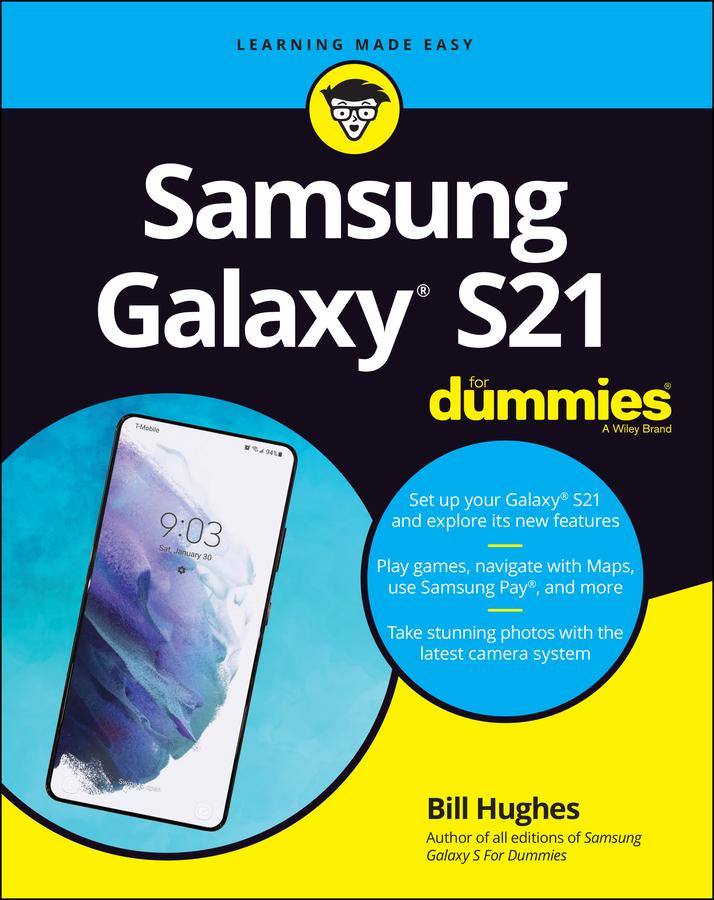
Feeling hamstrung by your new Samsung? Figure out how to navigate your new phone in no time
Your Samsung Galaxy comes packed with features you’ll use every day, and Samsung Galaxy S21 For Dummies is your guide to exploring them. What do you want to do first? Send a text or email? Take photos and videos? Make a basic call? Play games? Shop? This handy guide can help you do all that and so much more.
- Get an overview of the buttons, screens, and apps that are essential to operating your new phone
- Manage your contacts so you can stay connected with calls, emails, or texts
- Surf the web and find new games and apps in the Google Play Store
- Customize your phone with ringtones, wallpaper, and awesome accessories
- Watch videos and movies, shoot your own videos, and take photos
- Boost your productivity with calendar, GPS, and productivity apps
- Secure your Samsung Galaxy with your face ID, thumbprint, and Screen Lock
Not only does Samsung Galaxy S21 For Dummies describe features and walk you through steps to use your new phone, it also shows you what the screens look like and where to tap to make things happen. It’s like having a Samsung expert at your elbow. So pick up your copy today to make the most of your Samsung smartphone.
Betal nemt med kort, Klarna, Apple Pay eller Google Pay. Ikke tilfreds? Du har altid 14 dages fortrydelsesret. Læs mere i vores vilkår. Har du spørgsmål, så send os en mail på hello@memmo.org.
Memmo gør det nemmere at studere – uanset hvor du er i verden. Hos os samler du dine kursusbøger og smarte studieværktøjer ét sted: resuméer, quizzer, podcasts og flashcards. Og så er der Ted, din studieven, der svarer på alt, du undrer dig over. Over 50 000 studerende studerer allerede her – bygget til at hjælpe dig med at lære hurtigere og stresse mindre.