
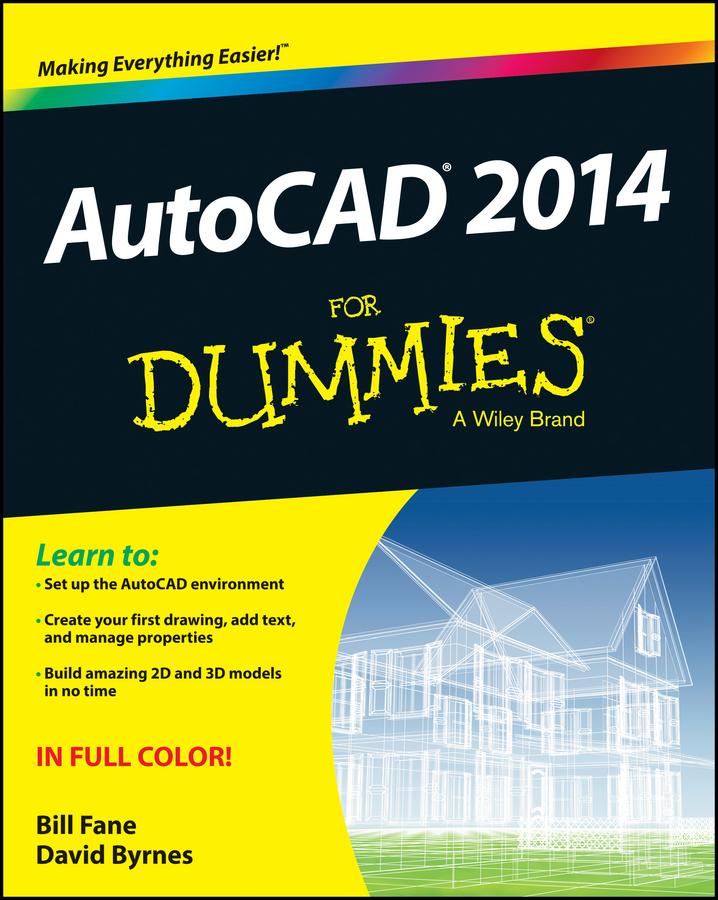
Find your way around AutoCAD 2014 with this full-color, For Dummies guide!
Put away that pencil and paper and start putting the power of AutoCAD 2014 to work in your CAD projects and designs. From setting up your drawing environment to using text, dimensions, hatching, and more, this guide walks you through AutoCAD basics and provides you with a solid understanding of the latest CAD tools and techniques. You’ll also benefit from the full-color illustrations that mirror exactly what you’ll see on your AutoCAD 2014 screen and highlight the importance of AutoCAD’s Model view, which shows different line weights for printing in different colors.
- Covers the latest AutoCAD features and techniques, including creating a basic layout, navigating the AutoCAD 2014 interface, drawing and editing, working with dimensions, plotting, adding text, using blocks, and more
- Shows you how to make the best use of color in your AutoCAD designs, take advantage of the AutoCAD DesignCenter, and showcase your work to potential clients and customers
- Includes practical advice and guidance on real-world methods and tips used by architects, engineers, and other CAD professionals to create compelling 3D models and detailed technical drawings
You’ll quickly get up to speed on all AutoCAD has to offer with AutoCAD 2014 For Dummies in your toolbox.
Betal nemt med kort, Klarna, Apple Pay eller Google Pay. Ikke tilfreds? Du har altid 14 dages fortrydelsesret. Læs mere i vores vilkår. Har du spørgsmål, så send os en mail på hello@memmo.org.
Memmo gør det nemmere at studere – uanset hvor du er i verden. Hos os samler du dine kursusbøger og smarte studieværktøjer ét sted: resuméer, quizzer, podcasts og flashcards. Og så er der Ted, din studieven, der svarer på alt, du undrer dig over. Over 50 000 studerende studerer allerede her – bygget til at hjælpe dig med at lære hurtigere og stresse mindre.