
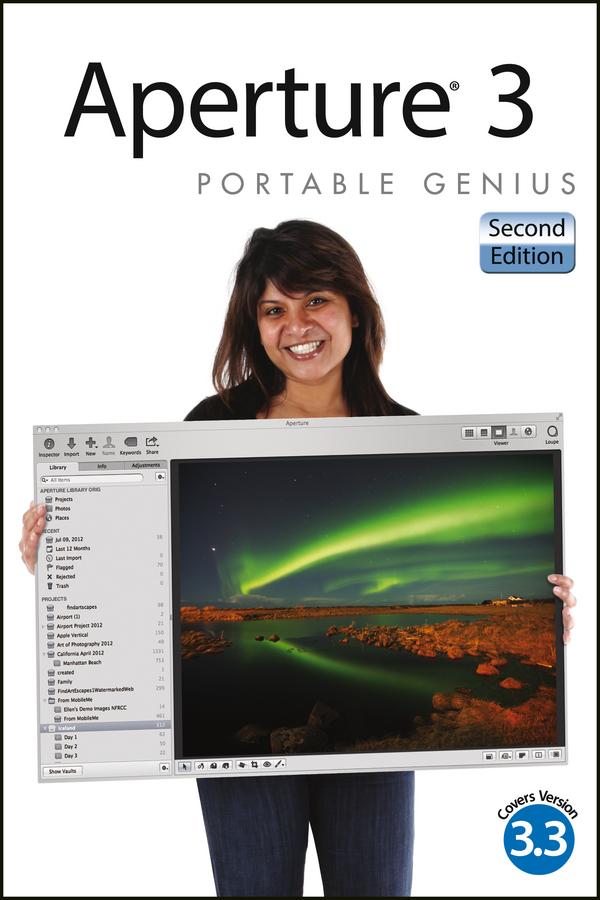
Aperture offers a full range of tools to help serious photographers organize and manipulate images and manage workflow. This little guide is packed with hip tips, secrets, and shortcuts that help you get even more functionality from the software. Find out more than you ever knew about vignetting, RAW fine-tuning, Quick Preview mode, Command Editor, and using the integrated iPhoto Browser. Learn new ways to streamline your workflow, get tips on publishing albums online or as customized photo books, and take advantage of many more Genius techniques.
- Designed for the Apple enthusiast, this handy, colorful guide is packed with ingenious and innovative tips for getting the most from Aperture 3, and the latest version 3.3
- Offers advice on using the new streamlined interface, using advanced RAW image processing, and streamlining workflow with keyboard shortcuts
- Shows how to maximize the effectiveness of vignetting, using Quick Preview mode and Command Editor, and working with the integrated iPhoto Browser
- Provides helpful hints on creating web-based albums and print photo books
Aperture 3 Portable Genius, 2nd Edition gives you the professional tips and tricks that help you squeeze all the functionality from this cool software.
Betal nemt med kort, Klarna, Apple Pay eller Google Pay. Ikke tilfreds? Du har altid 14 dages fortrydelsesret. Læs mere i vores vilkår. Har du spørgsmål, så send os en mail på hello@memmo.org.
Memmo gør det nemmere at studere – uanset hvor du er i verden. Hos os samler du dine kursusbøger og smarte studieværktøjer ét sted: resuméer, quizzer, podcasts og flashcards. Og så er der Ted, din studieven, der svarer på alt, du undrer dig over. Over 50 000 studerende studerer allerede her – bygget til at hjælpe dig med at lære hurtigere og stresse mindre.