
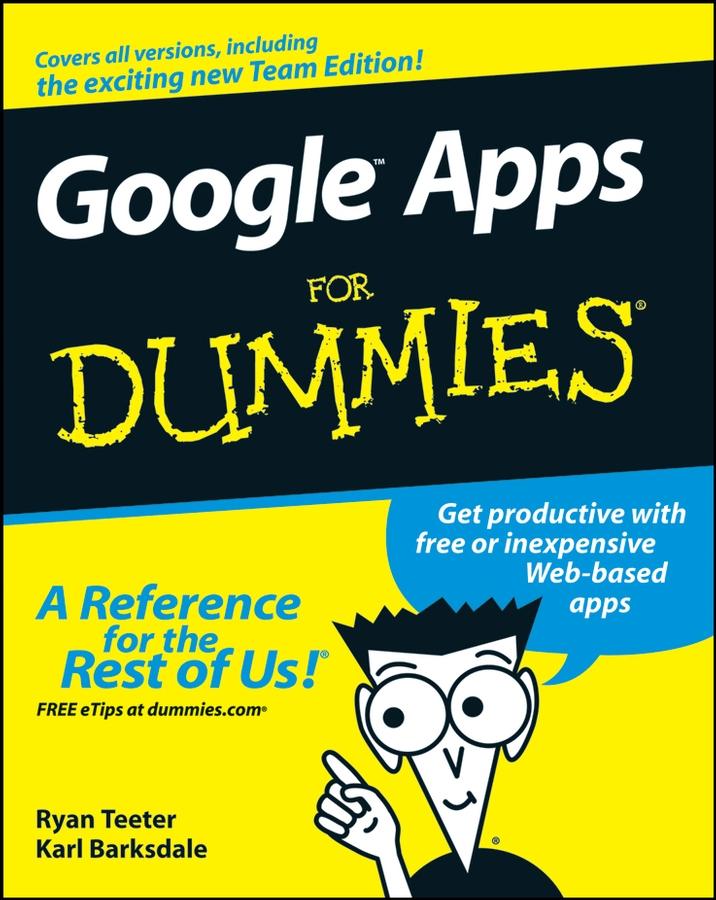
Google Apps are Web-based, low-cost (or free!) office productivity tools that do everything those expensive applications do — and you can access them from any computer with an Internet connection. Google Apps For Dummies boosts your "app-titude" by giving you the low-down on choosing, setting up, and using these nifty and powerful gadgets for work or play.
Whether you're an individual who wants to take advantage of iGoogle or an organization looking for an enterprise-wide training solution for users at all levels, this comprehensive, practical guide brings you up to speed with all of the basic information and advanced tips and tricks you need to make good use of every Google Apps's tool and capability. Discover how to:
- Get productive fast with free or inexpensive Web-based apps
- Design your perfect Start Page layout
- Choose among the different editions
- Use Gmail and Google Talk
- Work with Google Docs and spreadsheet documents
- Create and collaborate on documents
- Import events into your calendar
- Build dazzling presentations
- Use Dashboard to create and manage user accounts
- Create a Web page with a unique domain setting
Google Apps are poised to shatter the primacy of the current way of working with PCs, saving businesses, schools, government agencies, and individuals big bucks on software, network infrastructure, and administration.
Betal nemt med kort, Klarna, Apple Pay eller Google Pay. Ikke tilfreds? Du har altid 14 dages fortrydelsesret. Læs mere i vores vilkår. Har du spørgsmål, så send os en mail på hello@memmo.org.
Memmo gør det nemmere at studere – uanset hvor du er i verden. Hos os samler du dine kursusbøger og smarte studieværktøjer ét sted: resuméer, quizzer, podcasts og flashcards. Og så er der Ted, din studieven, der svarer på alt, du undrer dig over. Over 50 000 studerende studerer allerede her – bygget til at hjælpe dig med at lære hurtigere og stresse mindre.