
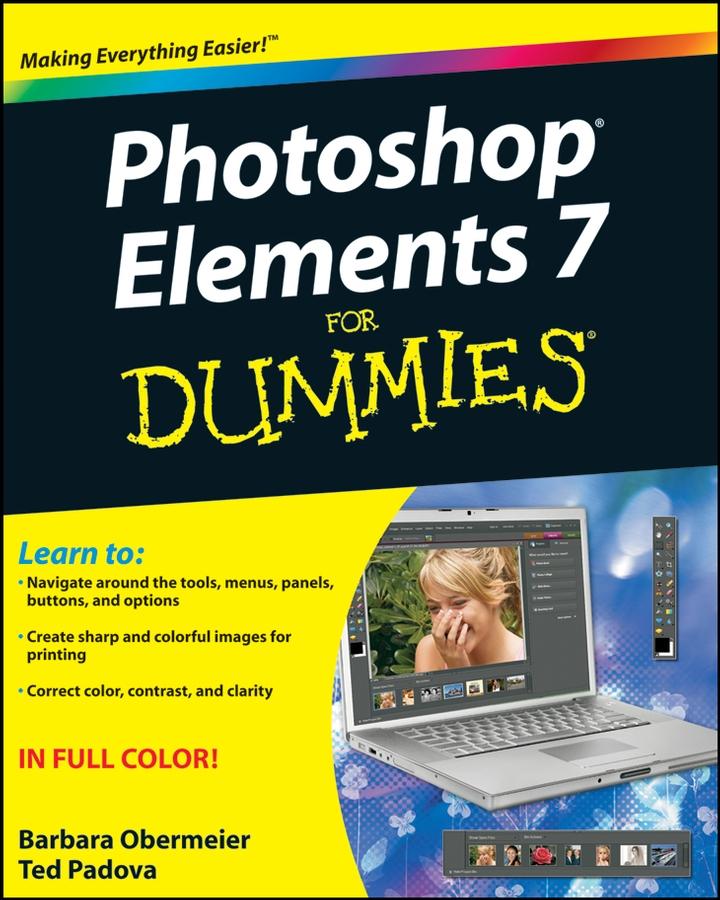
You’ll find out how to transform your ordinary photos into visually stunning creations. This book gives you the tools to enhance your images, fix flaws, share pictures online, correct small problems with Quick Fix, keep track of images with the Project Bin, take charge with Shortcuts, present your photos as a slideshow, use Web hosting, animate images, and create movie files. You’ll also learn to:
- Use the Organizer to move around efficiently in Elements
- Correct color, brightness, contrast, and exposure
- Use Adobe’s free Photoshop.com service
- Streamline your work using shortcuts
- Work with bitmap, grayscale, and indexed color modes
- Create albums and import images
- Follow creative applications for filters and effects
- Prepare images for printing
- Turn your photos into postcards, calendars, greeting cards, and photo albums
- Straighten crooked lines, crop for effect, or fix color, sharpness, red-eye, and contrast
Photoshop Elements 7 For Dummies shows you how to use all the Elements of great image editing, management, and photo fun. Whether you’re concerned about color profile embedding or just want to put your kid’s photo on a calendar, you’ll learn how with this book!
Betal nemt med kort, Klarna, Apple Pay eller Google Pay. Ikke tilfreds? Du har altid 14 dages fortrydelsesret. Læs mere i vores vilkår. Har du spørgsmål, så send os en mail på hello@memmo.org.
Memmo gør det nemmere at studere – uanset hvor du er i verden. Hos os samler du dine kursusbøger og smarte studieværktøjer ét sted: resuméer, quizzer, podcasts og flashcards. Og så er der Ted, din studieven, der svarer på alt, du undrer dig over. Over 50 000 studerende studerer allerede her – bygget til at hjælpe dig med at lære hurtigere og stresse mindre.